
Imagine you’re wearing an invisibility cloak. You’re walking through a crowded mall, feeling confident that no one can see who you are or where you’re going. But as you walk past a mirror, you notice that while your body is invisible, your bright red sneakers are fully visible to everyone. People might not see your face, but they can easily track those shoes to find out exactly where you’re headed.
In the world of the internet, a Virtual Private Network (VPN) is supposed to be that invisibility cloak. The marketing hype tells you that once you click “connect,” your identity is shielded, your data is encrypted, and your location is hidden. However, the reality is often less perfect. Sometimes, your VPN “leaks,” leaving those digital red sneakers visible for websites, hackers, or your internet service provider (ISP) to see.
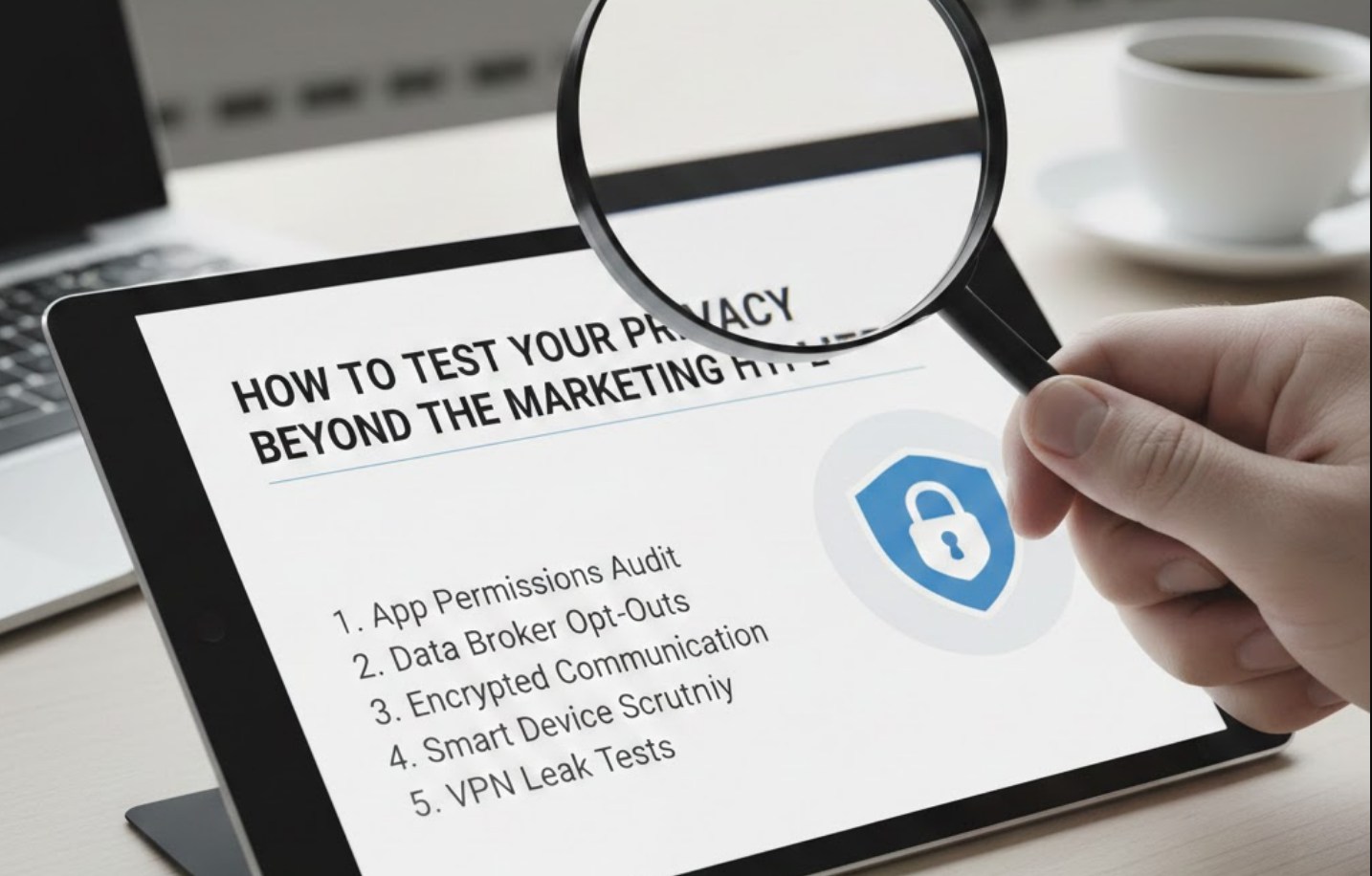
If you care about your digital footprint, you need to know how to peek under the hood of your VPN to see if it’s actually doing its job.
What Exactly is a VPN Leak?
Before we get into the testing, we need to understand what a leak actually is. When you use a VPN, your internet traffic is supposed to travel through a secure, encrypted “tunnel.” This tunnel hides your IP address—which is like your digital home address—and replaces it with the address of the VPN server.
A leak occurs when some of your data escapes that secure tunnel and travels over your regular, unencrypted connection instead. There are three main types of leaks you should worry about:
-
- IP Address Leaks: This is when your real IP address is visible even though the VPN says it’s connected.
- DNS Leaks: The Domain Name System (DNS) is like a phonebook for the internet. It turns a name like
google.cominto a string of numbers. A DNS leak happens when your computer sends these requests to your ISP instead of through the VPN’s private servers. - WebRTC Leaks: This is a sneaky one. WebRTC is a technology built into modern browsers (like Chrome and Firefox) to help with voice and video chats. Unfortunately, it can sometimes bypass a VPN to reveal your true IP address.
The Ultimate Leak Test: A Step-by-Step Guide
You don’t need to be a coding genius to test your privacy. You can do a full “audit” of your VPN in about five minutes using free online tools. Follow these steps to see if your marketing-heavy VPN is actually keeping its promises.
Step 1: Establish Your Baseline
Before you turn on your VPN, you need to know what you’re trying to hide.
-
- Go to a site like
WhatIsMyIP.comorIPLeak.net. - Write down your real IP address and the name of your Internet Service Provider (e.g., Comcast, AT&T, or Spectrum).
- Note your current city and state.
- Go to a site like
Step 2: Test for IP and DNS Leaks
Now, turn your VPN on and connect to a server in a different country—let’s say, the Netherlands.
-
- Refresh the testing website.
- The Goal: The site should now show a different IP address and list the location as the Netherlands.
- The Red Flag: If you still see your original IP or your home city, your VPN has an IP leak.
Next, look for the “DNS Address” section on the test site.
-
- The Goal: You should see DNS servers that belong to your VPN provider.
- The Red Flag: If you see a DNS server that belongs to your real ISP (the one you wrote down in Step 1), your VPN is “leaking” your browsing history to your provider.
Step 3: Check for WebRTC Vulnerabilities
WebRTC leaks are the most common way “secure” users get caught. To test this:
-
- Go to
browserleaks.com/webrtc. - With your VPN on, look for the “Public IP Address” or “Local IP Address” fields.
- The Red Flag: If your real home IP address appears anywhere on that page, your browser is “snitching” on you despite the VPN.
- Go to
Why Do These Leaks Happen?
It’s frustrating to pay for a service that doesn’t work, but leaks aren’t always because the VPN company is “bad.” Often, it’s a conflict between the VPN software and your computer’s operating system.
Common reasons for leaks include:
-
- IPv6 Conflicts: Most VPNs are built for the older IPv4 standard. If your ISP uses the newer IPv6 protocol, your computer might send that data outside the VPN tunnel.
- Unreliable “Kill Switches”: A Kill Switch is a feature that cuts your internet connection if the VPN drops for even a second. If this fails, your computer will automatically reconnect to your regular, public internet.
- Browser Features: As mentioned, features like WebRTC are designed for convenience, not privacy. They are often “on” by default in browsers like Chrome.
How to Plug the Leaks
If you discovered that your VPN is leaking, don’t panic. There are several ways to tighten your security without having to buy a whole new service (though you might want to consider it if the leaks persist).
-
- Enable the Kill Switch: Go into your VPN’s settings and make sure the “Kill Switch” is turned on. It might be annoying if your internet cuts out occasionally, but it’s the only way to ensure your real IP is never exposed.
- Disable WebRTC in Your Browser: If you use Firefox, you can disable this in the “about:config” settings. For Chrome users, the easiest way is to install a browser extension like “WebRTC Leak Prevent.”
- Update Your Software: VPN companies are constantly playing a game of cat-and-mouse with operating system updates. Ensure you are running the latest version of your VPN app.
- Use Private DNS: In your VPN settings, look for an option that says “Use VPN DNS servers only.” This forces your computer to stay inside the tunnel.
A Note on “Free” VPNs
It is worth mentioning that if you are using a free VPN app you found on a whim, the chances of leaks are significantly higher. Most free services don’t have the budget to maintain high-end security protocols. In fact, some free VPNs have been caught intentionally leaking data to advertisers to make money. If you aren’t paying for the product, you—and your data—are the product.
The Bottom Line
Privacy isn’t a “set it and forget it” thing. It’s more like maintaining a car; you have to check the oil and tires every once in a while to make sure things are running smoothly. Marketing teams spend millions of dollars to make you feel safe, but they aren’t the ones who suffer if your data is exposed.
By taking five minutes to run these tests, you move from being a passive consumer to an informed digital citizen. Don’t just take the marketing hype at face value. Test your tools, plug your leaks, and make sure that when you put on your digital invisibility cloak, your red sneakers aren’t giving you away.
