
The year 2026 has arrived, and if you are looking to build or upgrade a gaming PC, you’ve likely noticed one thing: processors are getting incredibly powerful, but they are also getting incredibly hot. Whether you are eyeing the latest 16-core beast or a mid-range workhorse, keeping that “brain” of your computer cool is the difference between a smooth gaming experience and a stuttering mess.
When it comes to cooling your CPU, the tech world is still split into two main camps: Air Cooling and Liquid Cooling. Both have evolved significantly over the last few years, making the choice harder than ever. Let’s break down the pros, cons, and tech behind each to see which one deserves a spot in your chassis.
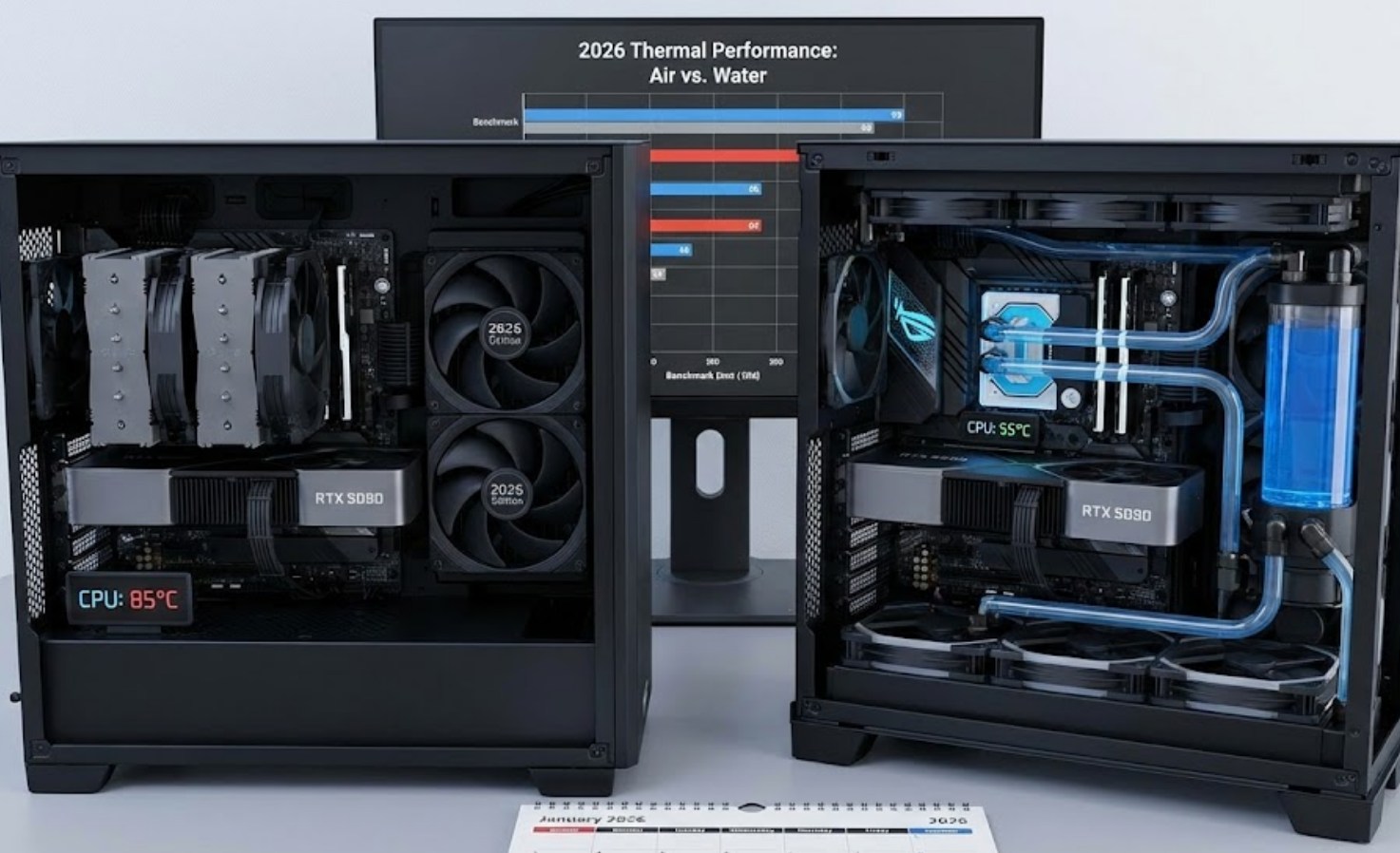
The Reliable Veteran: Air Cooling
Air cooling is the traditional method we’ve used for decades. It relies on a large metal block, known as a heatsink, and one or more fans to move heat away from the processor. In 2026, air coolers have become remarkably sophisticated, utilizing advanced “vapor chambers” and high-density fins that provide much more surface area than older models.
How it works:
-
- Heat Absorption: A copper base plate sits on your CPU, soaking up the heat.
- Heat Pipes: Small pipes filled with a special liquid (which turns to gas when hot) carry that heat up into the metal fins.
- Dissipation: The fans blow cool air through those fins, pushing the heat out into your case.
Why you might choose Air Cooling:
-
- Longevity: There are very few moving parts. If a fan dies, you just clip on a new $15 fan and you’re back in business.
- Price: Generally, you get more “cooling per dollar” with air. A high-end air cooler can often outperform a cheap liquid cooler for a lower price.
- Ease of Installation: You don’t have to worry about routing tubes or mounting large radiators. You just screw it onto the motherboard and plug in the fan.
The Modern Powerhouse: Liquid Cooling (AIOs)
Liquid cooling, specifically All-In-One (AIO) coolers, has become the gold standard for high-end builds. Instead of a bulky metal tower sitting on your motherboard, you have a sleek pump block connected by tubes to a radiator mounted to the walls of your case.
The anatomy of a modern AIO includes:
-
- The Pump/Block: This sits on the CPU and moves the liquid.
- The Coolant: A specialized fluid that absorbs heat much more efficiently than air.
- The Radiator: A large, flat grid of fins where the heat is released.
- The Fans: These are attached to the radiator to exhaust the heat directly out of the PC case.
Why you might choose Liquid Cooling:
-
- Thermal Headroom: For the most powerful CPUs of 2026, liquid is often the only way to prevent “thermal throttling” (where the CPU slows itself down because it’s too hot).
- Aesthetics: Let’s be honest—AIOs look cool. They often feature vibrant RGB lighting and even small OLED screens that can display your CPU temperature or your favorite animated GIF.
- Space Management: Since the bulky part (the radiator) is moved to the edge of the case, it leaves the center of your motherboard open, making it easier to access your RAM and SSDs.
Comparing the Two: The 2026 Face-Off
To help you decide, let’s look at how they stack up in the categories that actually matter when you’re sitting at your desk.
1. Noise Levels
Surprisingly, liquid cooling isn’t always quieter. While the fans on a large radiator can spin slower (and thus more quietly), the pump itself makes a faint humming or whirring sound. High-end air coolers, on the other hand, have become nearly silent at idle. However, under heavy gaming loads, liquid coolers usually win because they have more surface area to dissipate heat, allowing the fans to stay at lower speeds.
2. Risk Factor
Air cooling is virtually risk-free. The worst-case scenario is a fan stops spinning. Liquid cooling, while extremely safe in 2026, still carries a tiny risk of leaks. While modern tubing is reinforced and evaporation-resistant, the idea of liquid near expensive electronics still makes some builders nervous.
3. Performance in 2026
The CPUs of today pull more wattage than ever. If you are using a mid-range chip, an air cooler is perfectly fine. But if you are using a top-tier chip for video editing or 4K gaming, an air cooler might struggle to keep up with the sudden “spikes” in temperature that modern processors experience.
The Verdict: Which One Should You Buy?
Choosing between the two really depends on your specific goals and your budget.
-
- Choose Air Cooling if: You want a “set it and forget it” solution that will last for a decade. It’s perfect for budget-to-mid-range builds where reliability and value are the top priorities.
- Choose Liquid Cooling if: You are using a high-end processor, you have a smaller case where airflow is restricted, or you simply want the cleanest, most futuristic look for your setup.
In 2026, there is no “wrong” answer, only the answer that fits your build. Whether you prefer the brute force of a massive metal heatsink or the high-tech efficiency of a liquid loop, both technologies have reached a point where they can keep your PC running fast and cool for years to come. Just make sure to check your case dimensions before you buy—nothing ruins a build day faster than a cooler that won’t fit!
