
Every time you open a weather app, check in at a restaurant, or even snap a photo, your device is quietly recording exactly where you are. This digital footprint is more than just a convenience for maps; it is a treasure trove of data for advertisers, tech giants, and potentially even bad actors. While we often trade our privacy for the convenience of modern technology, many people are now asking: how can we take that control back?
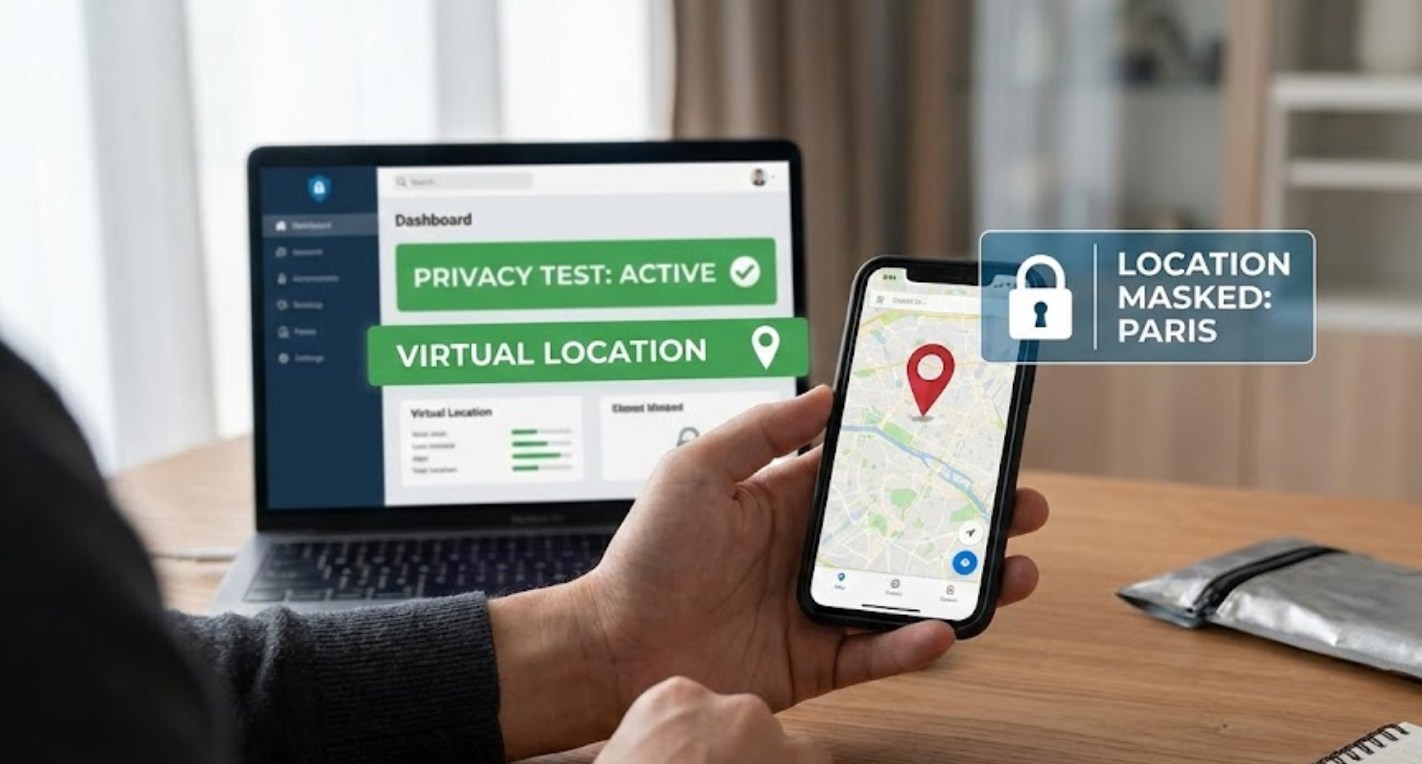
One of the most effective ways to understand how much information you are sharing is through location spoofing. Spoofing is the act of tricking your device—and the apps on it—into thinking you are in a different physical location than you actually are. While this sounds like something out of a spy movie, it is a practical tool for privacy testing and digital literacy.
Why Spoof Your Location?
Before diving into the “how,” it is important to understand the “why.” Privacy testing isn’t just for hackers or security experts; it’s for anyone curious about their digital identity. Here are a few reasons why you might want to experiment with spoofing:
-
- Testing App Behavior: Have you ever wondered if an app really needs your location to function? By faking your GPS, you can see if an app crashes, limits features, or continues to work perfectly fine.
- Evaluating Data Harvesting: Some apps collect location data even when you aren’t using them. By changing your location, you can observe if the “localized” ads you see on social media change accordingly, proving how much tracking is happening in the background.
- Security Research: If you are interested in a career in tech or cybersecurity, understanding how GPS signals work and how they can be manipulated is a fundamental skill.
The Tools of the Trade: How Spoofing Works
Spoofing your location depends heavily on the device you are using. Because smartphones are designed to be accurate, they don’t make it easy to lie to them. However, there are two primary ways to mask your digital presence.
Using a Virtual Private Network (VPN)
A VPN is the most common tool for basic location masking. Instead of changing your GPS coordinates, a VPN changes your IP address. This makes it look like your internet traffic is coming from a server in a different city or country.
-
- Pros: It encrypts your data and hides your browsing habits from your Internet Service Provider (ISP).
- Cons: Most sophisticated apps use GPS, not just your IP address. If you use a VPN to “be” in London but your GPS says you’re in your bedroom, many apps will still know your true location.
GPS Mocking via Developer Options
For a deeper level of privacy testing, you need to “mock” your GPS. On Android devices, this is relatively straightforward. By enabling “Developer Options” in your settings, you can select a “Mock Location App” that overrides your phone’s internal sensors.
-
- Download a reputable GPS spoofing app from the official app store.
- Go to your phone’s Settings > About Phone and tap the Build Number seven times to unlock Developer Options.
- Inside Developer Options, find the setting for Select mock location app and choose the app you downloaded.
- Open the spoofing app, drop a pin anywhere in the world, and hit “Start.”
Safety First: Avoiding the Risks
While spoofing can be a fun and educational experiment, it is not without risks. Privacy testing should always be done with caution. If you use shady third-party software, you might accidentally install malware that does more harm to your privacy than the tracking you were trying to avoid.
-
- Stick to Verified Apps: Never download “modded” versions of apps from unofficial websites. These often contain trackers or viruses.
- Don’t Overdo It: “Teleporting” across the world in seconds can get your accounts flagged by services like Google or social media platforms, as they might assume your account has been hacked.
- Turn It Off: Once you have finished your testing, remember to disable the mock location settings. Leaving them on can interfere with emergency services or find-my-phone features if you actually lose your device.
The Bigger Picture
The goal of spoofing for privacy testing isn’t necessarily to live your whole life behind a fake location. Instead, it is about gaining a deeper understanding of the “invisible” data exchange that happens every time we unlock our screens.
By testing how apps respond to fake data, you become a more informed digital citizen. You might realize that a simple calculator app doesn’t actually need to know your home address, leading you to revoke its permissions or find a more privacy-conscious alternative. In a world where data is often called “the new oil,” knowing how to guard your personal coordinates is a powerful step toward digital independence.
