
Think about everywhere your digital life lives right now. Your school essays are probably in a Google Drive, your weekend photos are likely sitting in an iCloud account, and your chat logs are scattered across three or four different corporate apps. In 2026, we are more connected than ever, but there is a growing problem: we don’t actually own our stuff. We are essentially renting space on someone else’s computer, and they get to set the rules, the prices, and the privacy policies.
This is where self-hosting comes in. Specifically, a tool called Nextcloud has become the gold standard for anyone who wants to take their data back. Imagine having your own version of Google Drive, Dropbox, and Zoom—all running on a small device in your bedroom that you control entirely.
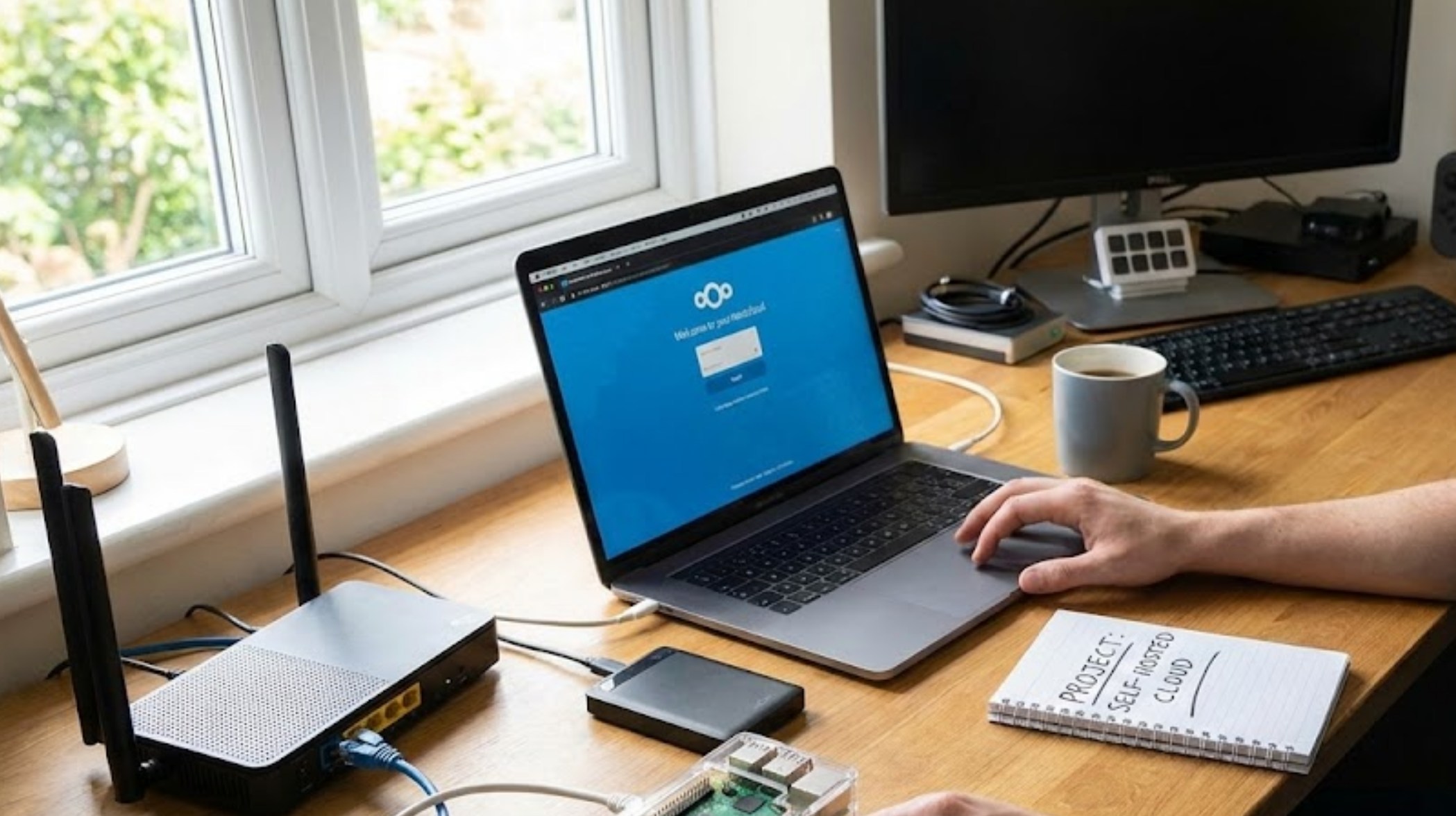
What Exactly is Nextcloud?
Nextcloud isn’t just a folder for your files. It is a full productivity suite that lives on your own hardware. Think of it as a digital Swiss Army Knife. While most people start using it just to sync photos from their phones to their computers, they quickly realize it can do so much more. By 2026, Nextcloud has evolved to include:
-
- Nextcloud Files: Syncing your documents and photos across all your devices without a monthly subscription fee.
- Nextcloud Talk: A private way to video call or text your friends without a tech giant “mining” your conversations for ad data.
- Nextcloud Hub: A place to manage your calendar, contacts, and even edit documents simultaneously with classmates.
- Local AI: Unlike mainstream clouds that use your data to train their models, Nextcloud 2026 features local AI that helps you summarize notes or sort photos directly on your own hardware.
Why Should You Bother?
You might be wondering why you would go through the effort of setting this up when “the big guys” offer it for free (or for a small fee). There are three main reasons:
-
- True Privacy: When you upload a photo to a major cloud provider, their AI usually scans it to identify people, locations, and objects. When you host your own Nextcloud, your data stays on your hard drive. No one is “peeking” at your homework or your private memories.
- No Monthly Fees: Storage prices in 2026 continue to rise. Once you buy your hardware, you own it. There’s no “Your storage is 90% full, pay $2.99/month” notification popping up every week.
- The Cool Factor and Skill Building: Setting up a server is a massive flex. It teaches you about networking, Linux, and how the internet actually works. These are skills that look incredible on a resume or a college application.
The 2026 Starter Kit: What You Need
Setting up a server used to require a massive, noisy computer in a basement. Today, the hardware is tiny, efficient, and affordable. To get started, you’ll generally need:
-
- A “Server” Brain: A Raspberry Pi 5 (or the newer Pi 6), or even an old laptop with a cracked screen that you aren’t using anymore.
- Storage: A high-speed SSD. In 2026, 2TB drives are affordable and much more reliable than the old spinning hard drives.
- An Internet Connection: Your home Wi-Fi or, ideally, an Ethernet cable plugged into your router.
- A Domain Name: Something like yourname.cloud so you can access your files from anywhere in the world.
How to Set It Up (The Simple Version)
You don’t need to be a coding genius to get this running. Most people use a version called “Nextcloud AIO” (All-In-One), which simplifies the process into a few manageable steps:
-
- Prepare your hardware: Install a light operating system (like Ubuntu) onto your device.
- Install Docker: This is a tool that lets you run applications in “containers,” making them easy to manage and update.
- Run the Nextcloud Installer: You’ll copy and paste a few lines of code into your terminal, and the system will build itself.
- Secure your connection: Use a tool like Let’s Encrypt (which is usually built into Nextcloud) to make sure that little padlock icon appears in your browser, keeping your data encrypted.
- Connect your phone: Download the Nextcloud app, put in your custom URL, and watch as your photos start backing up to your own room instead of a data center halfway across the country.
The Responsibility of Ownership
Self-hosting is a bit like owning a car instead of taking the bus. You get to go wherever you want, but you’re also responsible for the maintenance. You have to make sure you back up your server (usually to an external drive) and keep the software updated to stay secure.
In a world where we are increasingly told that we “own nothing and will be happy,” self-hosting your own cloud is a quiet act of digital rebellion. It’s about more than just files; it’s about owning your digital identity. By the time you finish setting up your Nextcloud instance, you won’t just have a place to store your stuff—you’ll have a deeper understanding of the digital world than 99% of the people around you.
