
Imagine you’ve finally made the jump to Linux. You’re loving the speed, the privacy, and the fact that your computer doesn’t force you to update in the middle of a homework assignment. But then, you hit a wall. You need that one specific Windows-only creative tool for your digital art class, or maybe there’s a classic game you and your friends play that just doesn’t have a Linux version.
In the past, this was the point where most people gave up and went back to Windows. But it’s 2026, and the “Linux struggle” is mostly a thing of the past. Enter Bottles, a powerful yet incredibly simple app that has changed the way we think about software compatibility.
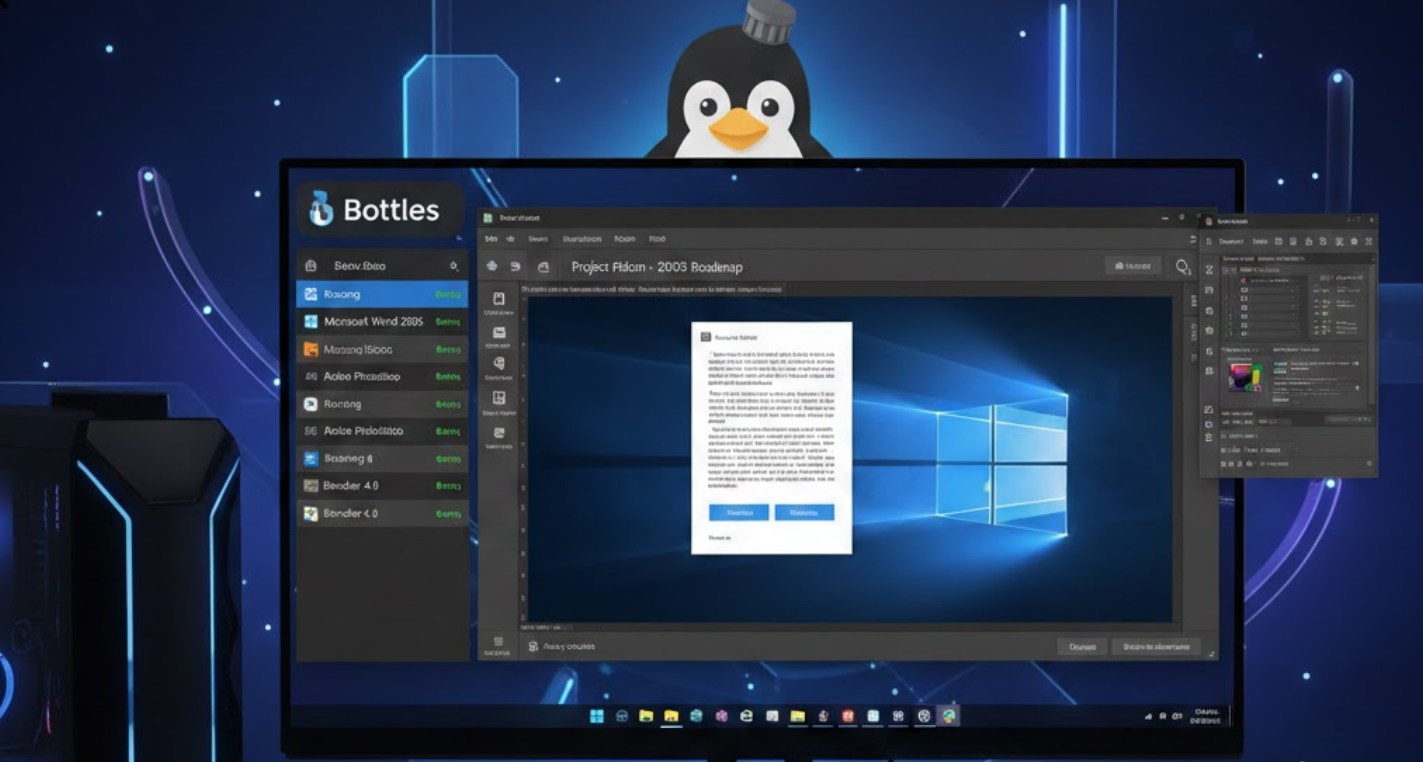
What Exactly is Bottles?
At its core, Bottles is a tool that allows you to run Windows software (.exe and .msi files) on Linux without needing to install Windows itself. It acts as a bridge. Under the hood, it uses a technology called Wine, which has been around for decades. However, if you’ve ever tried to use Wine directly, you know it can be a nightmare of terminal commands and confusing configurations.
Bottles takes that complex engine and puts it inside a sleek, modern interface. It uses a concept called “environments.” Instead of trying to make your whole computer act like Windows, you create individual “Bottles” for different apps. Each bottle is a self-contained mini-Windows environment tailored specifically for what you want to run.
Why You’ll Love It in 2026
By 2026, Linux has become much more mainstream, especially for students who want a fast, reliable laptop for school. Bottles has evolved to meet this demand by making the installation process almost invisible. Here is why it’s currently the go-to choice for running Windows apps:
-
- Pre-configured Environments: When you create a new bottle, the app asks if it’s for gaming, software, or a custom project. It then automatically tweaks all the hidden settings to make sure your app runs smoothly.
- Version Control (Snapshots): This is a lifesaver. If you install a plugin that breaks your app, you can just click a button to “restore” the bottle to exactly how it was five minutes ago.
- The Library View: It organizes your Windows apps right alongside your Linux ones. You don’t have to go digging through folders to find your programs.
- No Performance Loss: Unlike a “Virtual Machine,” which runs a whole second operating system and eats up your RAM, Bottles talks directly to your hardware. This means your games and apps run at nearly full speed.
Getting Started: A Step-by-Step Guide
Setting up your first app in Bottles is straightforward. You don’t need to be a coding genius to get it working. Here is how you do it:
-
- Install Bottles: Most Linux distributions (like Fedora, Ubuntu, or Pop!_OS) have Bottles in their “Software Store.” The best way to get it is through Flatpak, which ensures it stays updated and secure.
- Create Your First Bottle: Click the “plus” icon. Give your bottle a name (like “Photoshop-Alternative” or “Retro-Gaming”). Select the environment type. For most things, choosing “Application” or “Gaming” works perfectly.
- Run the Installer: Click on your new bottle and select “Run Executable.” Find the .exe file you downloaded and let it run just like it would on Windows.
- Launch and Play: Once the installation finishes, Bottles will usually detect the new program and add a shortcut to your list. Just click play, and you’re in.
The “Magic” of the Runner
One of the coolest features in the 2026 version of Bottles is the ability to swap “Runners.” A runner is the specific engine that translates the Windows code. Sometimes, a specific game might run better on a runner called “Soda,” while a work app might need “Vaniglia.” In the past, you’d have to manually download these, but Bottles now handles the downloading and switching for you with a single click.
Is It Perfect?
While Bottles is amazing, it isn’t magic. Some Windows apps—especially those with very aggressive “Anti-Cheat” software or apps that require deep access to Windows system files—might still give you trouble. However, for 90% of what a student needs, it works flawlessly.
The beauty of using Bottles is that it gives you freedom. You aren’t locked into one company’s ecosystem. You can have the privacy and customization of Linux while still keeping your favorite Windows tools within arm’s reach. As we move through 2026, the gap between operating systems is closing, and Bottles is the bridge that gets us there. If you’ve been nervous about trying Linux because of your favorite apps, it’s time to give it a shot. Your apps are ready when you are.
