
The bell rings, school is out, and you head straight to your favorite local coffee shop. You open your laptop, eager to finish that history project or just scroll through social media. You scan the available networks and see it: “Cafe_Guest_WiFi.” It’s free, it’s fast, and it’s right there. You click connect without a second thought.
But what if that network wasn’t set up by the shop owner? What if it was created by the person sitting two tables away from you, sipping a latte and watching their screen? You might have just stepped right into an “Evil Twin” trap.
In the digital age, public Wi-Fi is like a watering hole in the savanna. It draws everyone in, but it’s also where the predators hide. Understanding how hackers use these traps and why a Virtual Private Network (VPN) is your best line of defense is essential for anyone living a connected life.
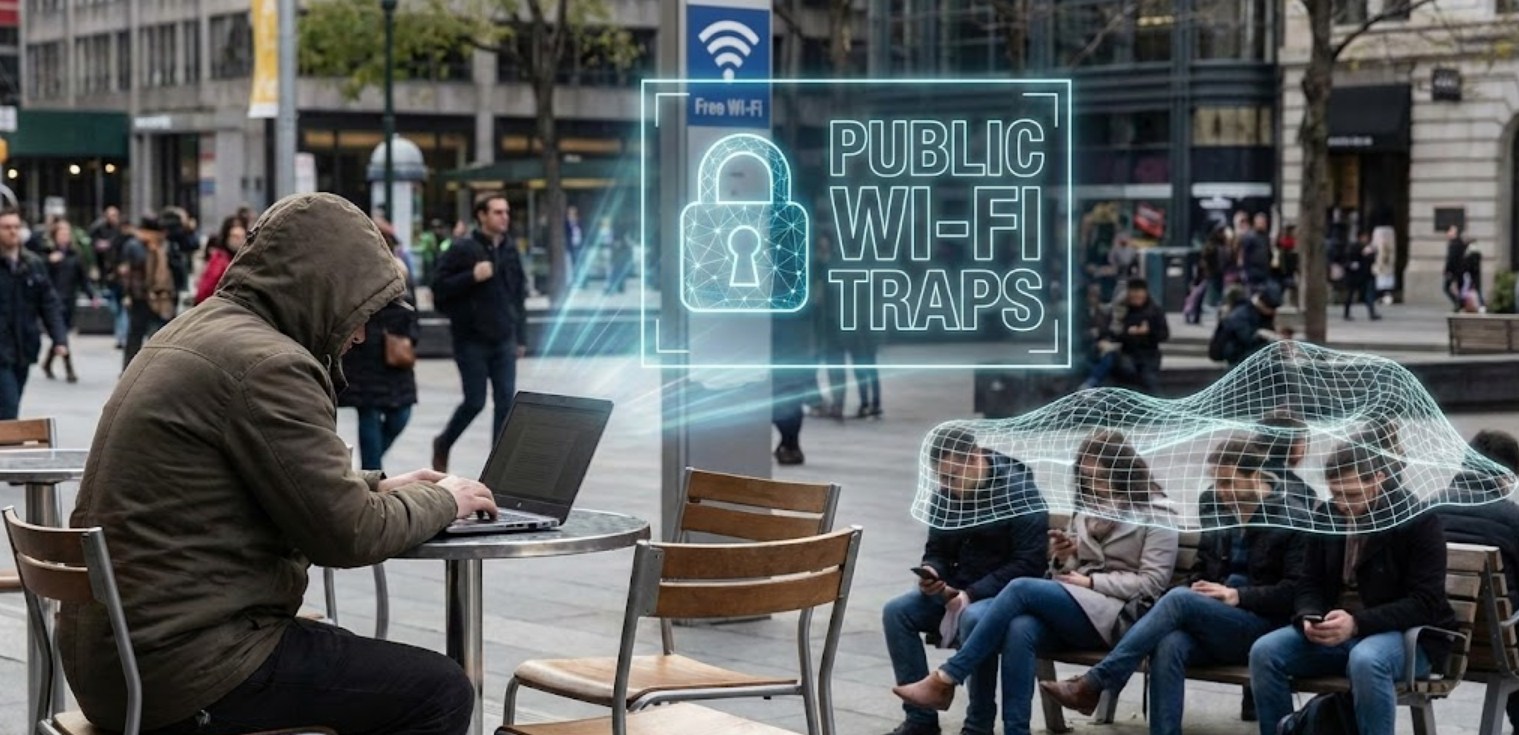
The Mystery of the Evil Twin
An “Evil Twin” attack is a type of cyberattack where a hacker sets up a fraudulent Wi-Fi access point that appears to be a legitimate one. It’s the digital version of someone putting on a fake uniform and pretending to be a security guard to get into a building.
Here is how the trap is usually set:
-
- Selection: The hacker goes to a location with popular public Wi-Fi, such as an airport, a library, or a popular fast-food chain.
- Impersonation: Using a small, inexpensive device or even just a laptop, they broadcast a Wi-Fi signal with the exact same name (SSID) as the real network. If the real one is called “Library_Guest,” they name theirs “Library_Guest.”
- The Lure: Sometimes, they make their signal stronger than the legitimate one. Your phone or laptop is programmed to seek out the strongest signal for a known network name, so it might ditch the real router and jump onto the hacker’s “Evil Twin” automatically.
- The Hook: Once you are connected, all your internet traffic—every password you type, every photo you upload, and every private message you send—passes through the hacker’s device before it goes to the actual internet.
Why Your Regular Security Isn’t Enough
You might think, “I only visit sites with the little padlock icon (HTTPS), so I’m fine.” While HTTPS provides a layer of encryption between your browser and the website’s server, it isn’t a silver bullet against an Evil Twin.
Hackers can use “SSL Stripping” to downgrade your connection from a secure HTTPS site to an unsecure HTTP version without you noticing. Once they’ve done that, they can see everything in plain text. Even if they don’t see your specific messages, they can see which websites you are visiting, your IP address, and metadata that can be used to build a profile of your identity.
Furthermore, hackers can use a technique called “DNS Spoofing.” When you type “google.com” into your browser, the hacker’s rogue router can send you to a fake version of Google that looks identical to the real thing. When you enter your login credentials, you aren’t logging in; you’re handing your username and password directly to the attacker.
The Consequences of Falling for the Trap
If you accidentally connect to an Evil Twin, the results can range from annoying to devastating. Here is what a hacker can potentially do:
-
- Steal Login Credentials: This includes your email, social media, and even banking passwords.
- Identity Theft: By gathering enough personal information from your browsing habits and accounts, they can impersonate you online.
- Malware Injection: A hacker can redirect your browser to download “updates” that are actually viruses, spyware, or ransomware designed to lock you out of your own files.
- Session Hijacking: They can steal the “cookies” that keep you logged into websites, allowing them to take over your accounts without ever needing your password.
Enter the VPN: Your Digital Bodyguard
If public Wi-Fi is a dangerous neighborhood, a VPN is an armored limousine with tinted windows. It is widely considered the only truly effective defense against Evil Twin attacks and other public Wi-Fi threats.
A VPN works by creating an “encrypted tunnel” between your device and a secure server owned by the VPN provider. Here is why it changes the game:
-
- Total Encryption: When you turn on a VPN, every single piece of data leaving your device is scrambled into code. If a hacker intercepts this data via an Evil Twin, all they will see is gibberish. They can’t see what websites you are visiting or what you are typing.
- Hiding Your Destination: Because your traffic is going through the VPN’s server first, the hacker (and even the legitimate Wi-Fi provider) can’t see your final destination. To them, it looks like you are just sending data to one single, anonymous point.
- IP Masking: A VPN hides your real IP address and replaces it with one from their server. This makes it much harder for hackers to track your physical location or target your device specifically.
How to Stay Safe: A Checklist
Using a VPN is the most important step, but staying safe in the digital world requires a combination of the right tools and smart habits. Follow these steps to ensure you don’t become the next victim of a Wi-Fi trap:
-
- Never connect to “Auto-Join”: Go into your phone and laptop settings and disable the feature that automatically joins open Wi-Fi networks. This prevents your device from accidentally jumping onto an Evil Twin.
- Verify the Network: If you’re at a cafe, ask the staff for the exact name of their Wi-Fi. If you see two networks with the same name, or one that doesn’t require a password when it usually does, stay away.
- Use a Reputable VPN: Not all VPNs are created equal. Avoid “free” VPNs that often sell your data to advertisers to make money. Look for a paid service with a “no-logs” policy.
- Enable Two-Factor Authentication (2FA): Even if a hacker manages to steal your password through an Evil Twin, 2FA provides a second layer of security. They won’t be able to get into your account without the code sent to your phone.
- Stick to Cellular Data: If you don’t have a VPN and you need to check something sensitive (like your bank balance), turn off Wi-Fi and use your phone’s LTE or 5G data. It is much harder for a local hacker to intercept cellular signals than Wi-Fi signals.
The Bottom Line
The convenience of free public Wi-Fi is hard to resist, but it comes with a hidden price tag. Hackers rely on our desire for a quick connection to lure us into traps like the Evil Twin. They count on the fact that most people don’t understand how easy it is to spoof a network or intercept unencrypted data.
By treating every public Wi-Fi network as untrusted and using a VPN as your primary shield, you take the power back. You can enjoy your latte and your internet access with the peace of mind that your private life remains exactly that—private. Stay skeptical, stay encrypted, and don’t let the “twins” fool you.
