
Imagine waking up on a Tuesday morning, reaching for your phone to check your notifications, and seeing a dreaded message: “No Service.” You toggle Airplane Mode on and off, but nothing changes. Within minutes, you realize you can’t log into your email, and your social media passwords have been changed. You haven’t lost your physical phone, but someone miles away has just stolen your digital life.
This is the reality of a SIM swapping attack. As we move through 2026, our smartphones are no longer just communication devices; they are the master keys to our bank accounts, private conversations, and identities. While technology has advanced, so have the tactics used by hackers. Understanding how to protect your mobile identity is more important now than ever before.
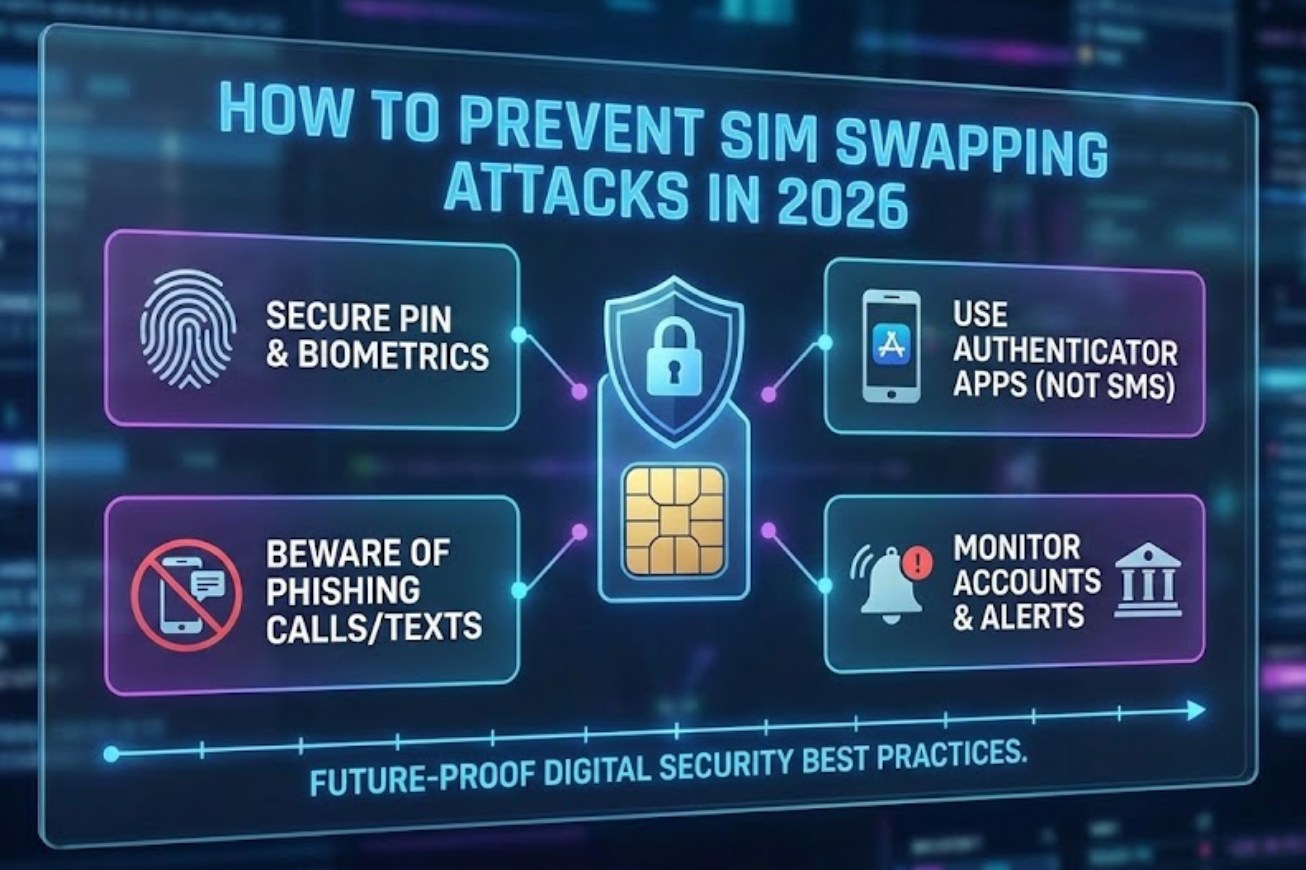
What Exactly is SIM Swapping?
To defend against an attack, you first have to understand how it works. A SIM swap doesn’t involve a thief physically taking your phone. Instead, it involves a “social engineering” trick played on your mobile carrier.
A hacker gathers personal information about you from the internet—your birthday, your mother’s maiden name, or your high school mascot. They then call your phone company, pretending to be you. They claim they’ve lost their phone and need to “port” or transfer your phone number to a new SIM card in their possession. Once the customer service representative makes the switch, your phone goes dead, and the hacker receives all your calls and, more importantly, your text messages.
Why 2026 is Different
In 2026, hackers use sophisticated AI-driven voice cloning to mimic their victims during calls to service centers. Additionally, with the widespread adoption of eSIM technology, the process of switching numbers has become faster, which unfortunately means it can also be exploited more quickly if security measures aren’t in place.
Critical Steps to Protect Your Number
Prevention is about creating layers of security. If a hacker breaks through one layer, the next one should stop them. Here are the most effective ways to secure your connection today:
-
- Set Up a “Port Out” PIN or Transfer Lock:
Most major mobile carriers now offer an extra layer of security called a “Port Freeze” or “Transfer PIN.” This is a unique code that must be provided before your number can be moved to a different carrier or device. It is separate from your account password. - Move Away from SMS-Based Two-Factor Authentication (2FA):
This is perhaps the most important tip for 2026. If a hacker successfully swaps your SIM, they will receive all the “reset password” codes sent to you via text. To prevent this, switch your security settings on apps like Instagram, Discord, and Google to use:-
- Authentication Apps: Apps like Google Authenticator or Authy generate codes locally on your device, not through the cellular network.
- Physical Security Keys: Small USB or NFC devices (like a Yubikey) that you must physically tap against your phone to log in.
-
- Use a Dedicated “Account Email”:
Avoid using the same email for your social media that you use for your mobile carrier account. If a hacker gets into one, you don’t want them to have a roadmap to the other.
- Set Up a “Port Out” PIN or Transfer Lock:
Practicing Good Digital Hygiene
Hackers need data to impersonate you. The less information they can find online, the harder it is for them to convince a customer service agent that they are you.
-
- Audit Your Privacy Settings: Go through your social media profiles and hide your birth date, phone number, and location history.
- Be Skeptical of “Security Questions”: When a website asks for the name of your first pet, you don’t have to tell the truth. Hackers can find your pet’s name on your Instagram feed. Use a random word or a fake answer that you store in a password manager.
- Watch Out for Phishing: In 2026, phishing attempts are incredibly realistic. Never click on a link in a text message that claims your phone bill is overdue or that your account has been compromised. Always go directly to the official app or website.
What to Do If You Are Targeted
If your phone suddenly loses service in an area where you usually have a strong signal, you must act immediately. Time is the most critical factor in a SIM swap.
-
- Contact your carrier immediately: Use a friend’s phone or a landline to call your provider’s fraud department. Tell them you are a victim of an unauthorized SIM swap.
- Log out of all sessions: If you still have access to your accounts via a laptop or tablet, use the “log out of all other devices” feature.
- Change your passwords: Prioritize your primary email and banking apps.
- Notify your bank: Let them know your phone number has been compromised so they can freeze your accounts and watch for suspicious transactions.
The Bottom Line
In 2026, your phone number is much more than just a way to call home; it is a digital skeleton key. By moving away from text-based security and locking down your carrier account with a transfer PIN, you make yourself a much harder target. Staying safe doesn’t require being a tech expert—it just requires being one step ahead of the people trying to gain access. Stay alert, keep your private details private, and always use hardware or app-based authentication whenever possible.
