
Imagine you are walking down a busy street in a crowded city. You’re wearing a mask and a heavy coat, hoping no one recognizes you. You step into a store, browse some shelves, and then leave. You feel anonymous. But what you didn’t realize is that the store owner has a security camera that recorded your height, the time you entered, and the exact path you took to get there. Even if they don’t know your name, they know your pattern.
This is exactly how many people view Virtual Private Networks, or VPNs. We are told that a VPN is a “digital invisibility cloak.” We see advertisements everywhere—on YouTube, in podcasts, and across social media—promising that if we use their service, our browsing history will be completely erased and “no logs” will ever be kept.
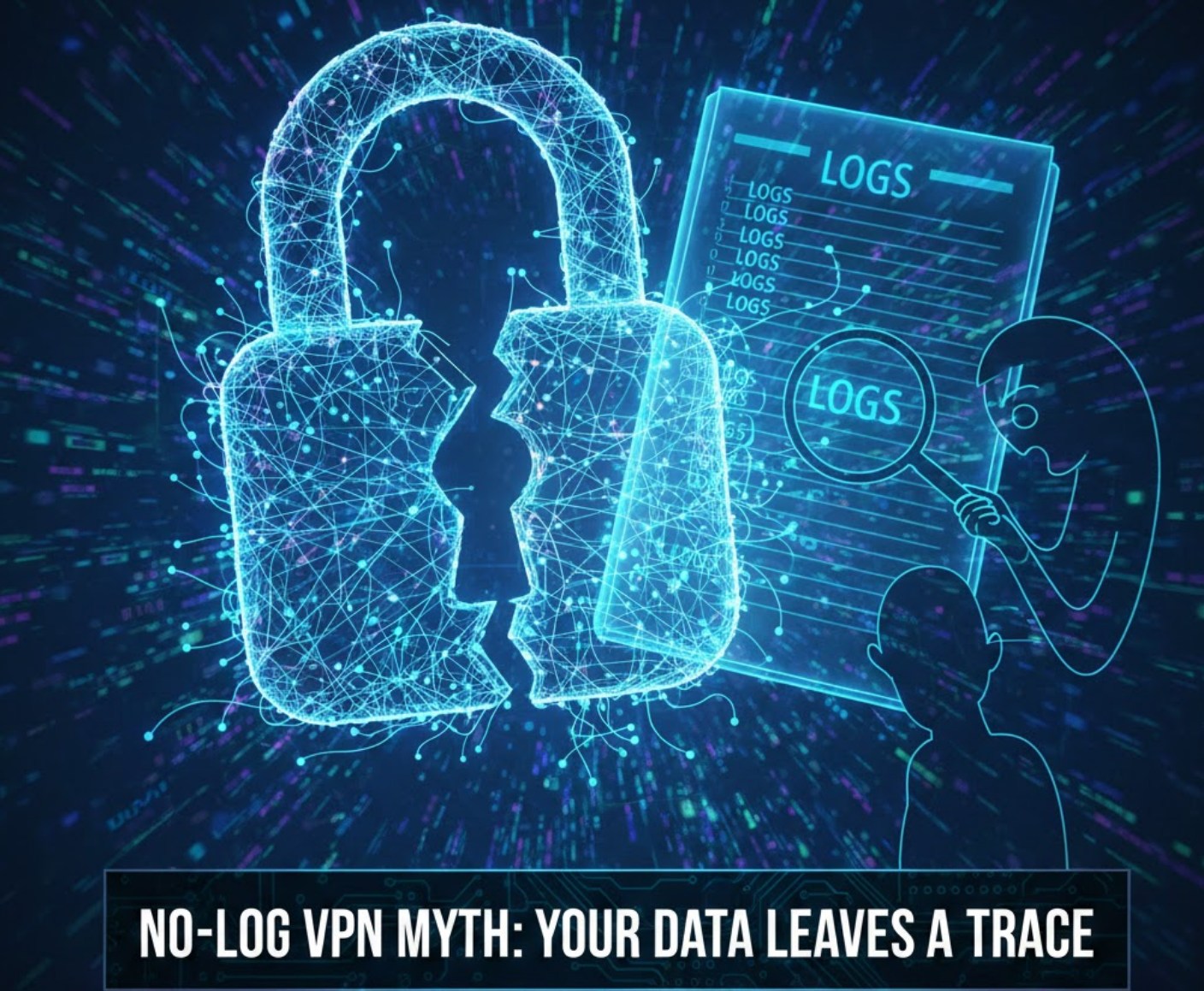
But here is the uncomfortable truth: the term “no-logs” is often more of a marketing slogan than a technical reality. While a VPN is a great tool for privacy, it is not a magic wand. To understand what is really happening with your data, we need to peel back the curtain and look at what these companies actually know about you.
What is a VPN Supposed to Do?
Before we dive into the “myth” part, let’s quickly recap what a VPN actually does. Normally, when you go to a website, your computer connects directly to that site through your Internet Service Provider (ISP). Your ISP can see every site you visit.
When you use a VPN, you create an encrypted “tunnel” between your device and a server owned by the VPN company. Your ISP can see that you are connected to a VPN, but they can’t see which websites you are visiting. To the rest of the internet, it looks like your traffic is coming from the VPN’s server, not your home.
The “no-log” promise suggests that the VPN company isn’t keeping a record of what travels through that tunnel. However, “logging” is a broad term that covers a lot of different types of data.
The Different Flavors of Data Logging
When a company says they don’t keep logs, they usually mean they don’t keep usage logs. But there are other types of data they might still be collecting. Here is a breakdown of what a VPN might be tracking behind the scenes:
-
- Connection Logs: This includes the time you logged on, the time you logged off, and how much data you used during your session. Companies often claim they need this to manage their server load.
- IP Address Logs: Some VPNs track your real IP address (your digital home address) and the IP address assigned to you by the VPN.
- Device Information: They might record whether you are using an iPhone, an Android, a Windows PC, or a Mac.
- Payment Information: Unless you pay with an anonymous cryptocurrency, the VPN provider knows your name, credit card number, and billing address.
While connection logs might seem harmless, they can be used to “handshake” your identity. If a government agency knows that a specific person logged onto a VPN at 2:14 PM and logged off at 3:10 PM, they can match that timing with activity on a specific website to figure out who was behind the screen.
Why “Zero Logs” is Technically Difficult
Running a massive network of servers is complicated. For a VPN to work effectively, the provider needs to ensure that users aren’t breaking the service. For example, if one user is using a script to attack other websites (a DDoS attack), the VPN provider needs a way to identify and stop that specific user.
If they truly kept zero information, they wouldn’t be able to limit how many devices you have connected at once. If your plan says “up to 5 devices,” the VPN has to keep some sort of record to know that you currently have three phones and two laptops connected. This simple necessity proves that some data is always being processed, even if it is only stored temporarily in the server’s short-term memory (RAM).
When the Myth Meets Reality: Real-World Cases
The biggest proof that the “no-log” promise isn’t always true comes from the courtroom. Over the last decade, there have been several instances where VPN companies that claimed to keep “no logs” were forced to hand over data to law enforcement.
-
- The Case of IPVanish: In 2016, despite claiming a strict no-logs policy, this provider was able to provide the FBI with detailed logs about a specific user’s activity to help in a criminal investigation.
- PureVPN: In 2017, this company helped the FBI identify a person involved in a stalking case by providing logs, even though their marketing at the time emphasized privacy and no logging.
These cases don’t necessarily mean the companies were “evil,” but they do show that when the government shows up with a warrant, “no logs” can suddenly become “some logs.”
How to Tell if a VPN is Trustworthy
Since we can’t see inside their server rooms, how can we know which companies are telling the truth? There are a few things savvy users look for:
-
- Independent Audits: Reputable VPNs will hire outside security firms (like Deloitte or PwC) to look at their code and their servers. These auditors check to see if the company is actually keeping logs. If a VPN hasn’t had a public audit in the last year or two, you should be skeptical.
- RAM-Only Servers: Some high-end VPNs use servers that run entirely on RAM (Random Access Memory) instead of hard drives. This means that every time the server is turned off or rebooted, all data is physically wiped out. This is a much stronger protection than just a “promise” not to look at the data.
- Jurisdiction: Where is the company based? Some countries have “mandatory data retention” laws that require companies to keep logs for months. If a VPN is based in one of those countries, it doesn’t matter what their website says—they are legally required to log your data.
The “Free” VPN Trap
We’ve all seen free VPNs in the App Store. It is tempting to download one, but you must remember the golden rule of the internet: If you aren’t paying for the product, you are the product.
Running a VPN costs a massive amount of money in server fees and electricity. If a company isn’t charging you a monthly subscription, they are making money somewhere else. Often, they do this by selling your browsing history to advertisers. In these cases, the “no-log” myth isn’t just a technicality; it’s a total lie. Free VPNs are often worse for your privacy than using no VPN at all.
Protecting Yourself Beyond the VPN
If you want to stay private online, a VPN should only be one tool in your kit. Relying solely on a VPN is like locking your front door but leaving all your windows wide open. To truly stay safe, consider these steps:
-
- Use a Privacy-Focused Browser: Browsers like Brave or Firefox (with the right settings) do a better job of blocking trackers than Chrome.
- Clear Your Cookies: Even with a VPN, websites can identify you through “cookies” stored on your computer from previous visits.
- Use Search Engines that Don’t Track: DuckDuckGo or Startpage are great alternatives to Google if you don’t want your search history saved.
- Watch Out for “Browser Fingerprinting”: This is a technique where websites look at your screen resolution, battery level, and installed fonts to create a unique ID for you, even if your IP address is hidden.
Final Thoughts
The “No-Log Myth” doesn’t mean that VPNs are useless. They are excellent for bypassing censorship, protecting yourself on public Wi-Fi at a coffee shop, and hiding your activity from your ISP. However, you should never believe that a VPN makes you a ghost.
In the digital world, every action leaves a footprint. The best way to stay safe is to be a skeptical consumer. Read the fine print of the “Privacy Policy,” look for companies that have been audited, and always remember that true anonymity is a goal we work toward, not a product we buy for $4.99 a month.
