
In the year 2026, our lives are more connected than ever. Between augmented reality overlays, AI personal assistants that never seem to stop talking, and cloud storage that feels bottomless, our digital lives have become incredibly crowded. We often talk about cleaning our physical rooms or organizing our desks, but we rarely discuss the “digital junk drawer” that follows us everywhere on our devices. If opening your laptop or looking at your phone makes you feel slightly overwhelmed, it is time to embrace digital minimalism.
Minimalism isn’t about deleting everything you love or living in a digital void. It is about intentionality. It’s about making sure your digital workspace serves you, rather than you serving a pile of notifications and messy files. Here is how to reclaim your focus and streamline your digital world for the modern era.
The Psychology of Digital Clutter
Think about the last time you tried to work on a project while having thirty-five tabs open, three different chat apps pinging, and a desktop covered in icons with names like “Final_Project_V2_REAL_FINAL.pdf.” That visual noise creates a heavy mental load. Every icon and notification is a tiny “to-do” list item for your brain to process. By 2026, the speed of information has only increased, making it even more important to create a “quiet” digital environment where your mind can actually breathe.
Step 1: The Great Desktop Purge
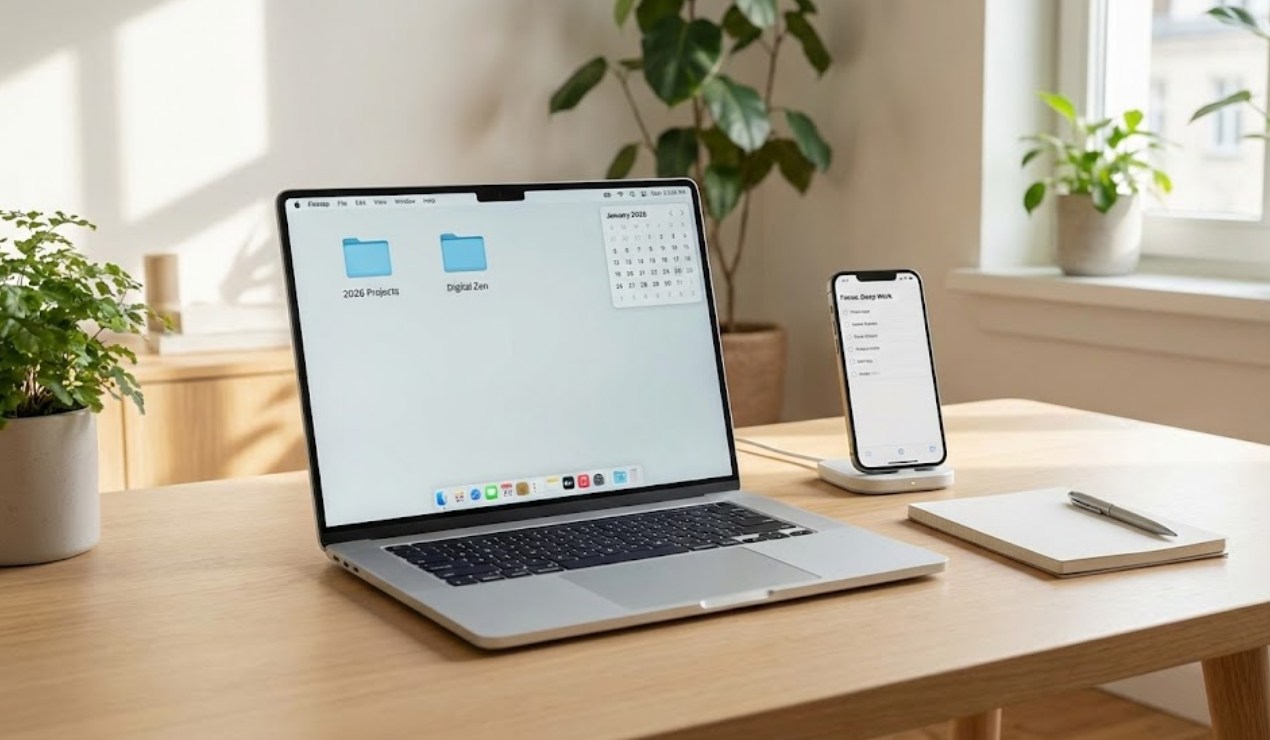
Your desktop is your virtual front porch. If it is covered in trash, you won’t want to go inside and get to work. Start by moving everything off your desktop into a single folder labeled “To Sort.” From there, follow these rules:
-
- The One-Row Rule: Try to keep only one row of icons on your screen—the things you use every single day.
- Dynamic Wallpapers: Use a simple, high-quality wallpaper. In 2026, many devices use “living” wallpapers that change with the time of day. Choose one that is calming rather than distracting.
- The “Inbox” Method: Treat your desktop like a temporary transition zone. If a file stays there for more than 24 hours, it either needs to be filed away in a permanent folder or deleted.
Step 2: Master Your Filing System
Cloud storage is great, but because it feels infinite, we tend to save everything. This makes finding important documents a nightmare. A minimalist workspace relies on a logical, “shallow” folder structure. You shouldn’t have to click through ten folders to find one file.
-
- Categorize by Life Pillar: Create broad folders like “Learning,” “Personal Projects,” “Photos,” and “Admin.”
- Standardize Naming: Use the “Year-Month-Day-Description” format (e.g., 2026-10-14-History-Notes). This ensures your files are always in chronological order.
- The Archive Folder: Once a project or a school year is over, move the entire folder into an “Archive” section. It keeps your active workspace clean while keeping your history safe.
Step 3: Taming the AI and App Noise
By now, almost every app we use has some form of AI integration. While these tools are helpful, they also generate a lot of “helpful” suggestions that can derail your focus. Minimalism in 2026 means being the boss of your algorithms.
-
- Turn off “Proactive Notifications”: If an AI assistant tries to tell you what you might want to do before you’ve even asked, turn that feature off.
- Unsubscribe Ruthlessly: We all sign up for newsletters and updates we never read. Use an unsubscription tool or spend ten minutes manually hitting “unsubscribe” on everything that doesn’t add value to your life.
- One Tool for One Task: Avoid app overlap. You don’t need three different note-taking apps. Pick one that works across all your devices and stick to it.
Step 4: Establishing Digital Hygiene
Just like you brush your teeth every day, you need a daily routine to keep your digital space from falling back into chaos. This is perhaps the most important habit for maintaining a minimalist workspace.
-
- The End-of-Day Sweep: Before you shut down your device for the evening, take two minutes to close all tabs and move any stray downloads into their proper folders.
- Weekly Review: Once a week, go through your “Downloads” folder and your “Screenshots” and delete the things you no longer need.
- The Notification Audit: Once a month, check your phone and computer settings. If an app has sent you a notification that you didn’t find useful, revoke its permission to interrupt you.
The Result: A Clearer Mind
When you strip away the digital excess, something interesting happens: your productivity goes up, and your stress goes down. You no longer spend the first ten minutes of your work session hunting for a file or getting distracted by an old notification.
Minimalism in 2026 is a superpower. In a world trying to grab your attention every second, having a clean, organized, and quiet digital workspace allows you to be the one in control. It turns your computer from a source of stress into a powerful tool for creativity and growth. Start small, stay consistent, and enjoy the clarity that comes with a minimalist digital life.
