
Imagine you’re out with friends, and you capture the perfect sunset photo on your iPhone. By the time you get home and open your MacBook to start some homework, that same photo is already sitting there in your library, waiting to be used as a desktop background. You didn’t plug in any cables, you didn’t AirDrop it, and you certainly didn’t email it to yourself. This seamless “magic” is the work of iCloud.
At its core, iCloud is Apple’s cloud computing and storage service. While it might sound like a complex piece of tech jargon, it is essentially an invisible bridge that connects all your devices, ensuring your digital life stays organized, backed up, and accessible from anywhere.
What Does iCloud Actually Do?
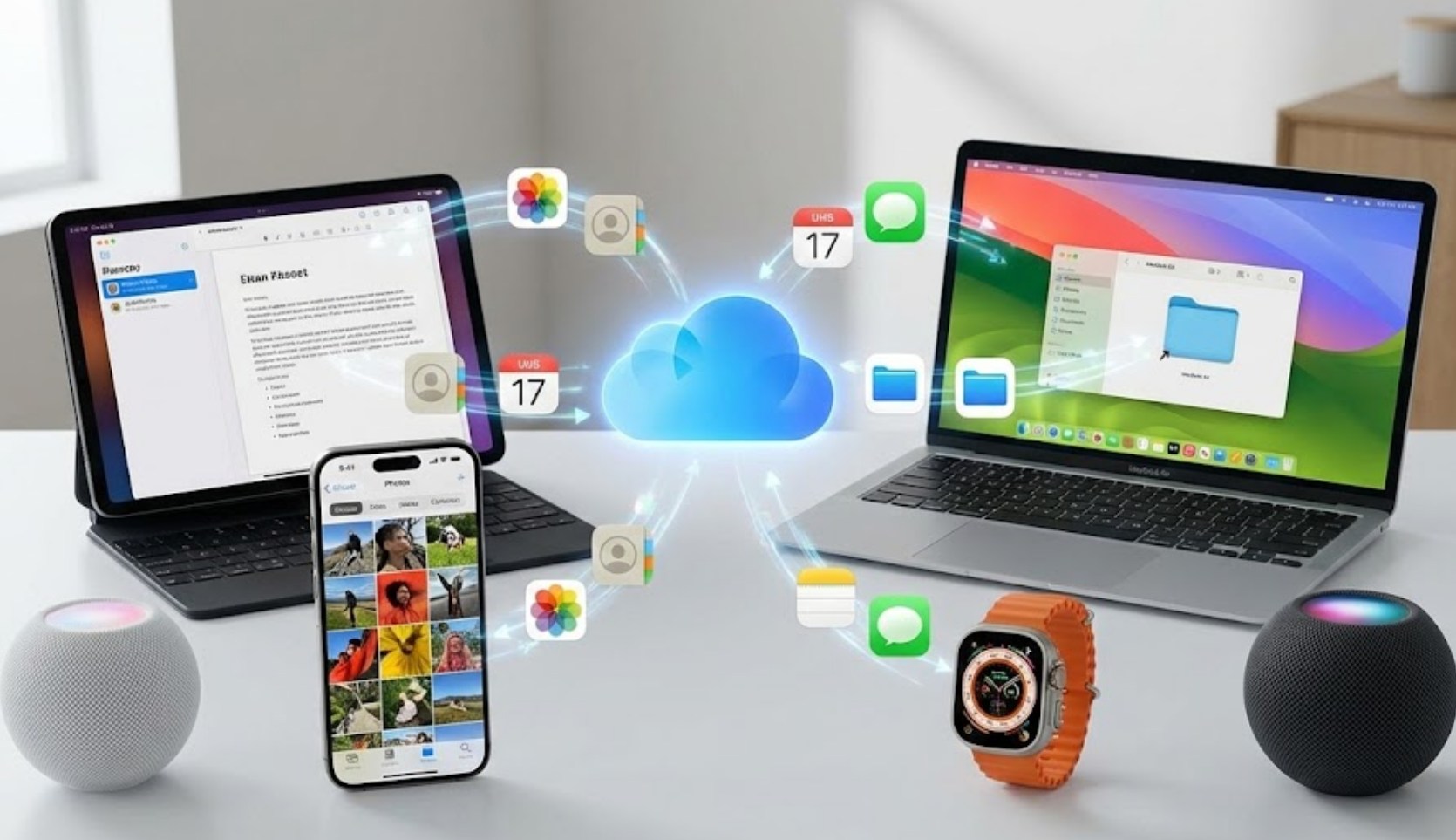
Many people mistake iCloud for just a simple hard drive in the sky where you dump old files. While storage is a big part of it, the real power lies in synchronization. When you make a change on one device—like adding a contact, checking off a reminder, or editing a calendar event—iCloud pushes that change to every other device signed into your Apple ID.
Here are some of the primary ways iCloud works in the background:
-
- Photos and Videos: Using iCloud Photos, your entire library is stored safely. If you’re running low on space on your phone, iCloud can keep “optimized” smaller versions on your device while holding the high-resolution originals in the cloud.
- Device Backups: This is perhaps the most important feature. If you drop your phone in a lake or it gets stolen, an iCloud backup allows you to buy a new device, sign in, and watch as your apps, settings, and messages download exactly as they were.
- Find My: This service uses the iCloud network to track your iPhone, iPad, Mac, or even your AirPods. It can even help you find devices that are offline by using a secure, anonymous mesh network of other Apple devices nearby.
- iCloud Drive: This is where you store documents, PDFs, and school projects. It works similarly to Google Drive or Dropbox but is built directly into the “Files” app on your phone and the “Finder” on a Mac.
The Storage Struggle
Every Apple user starts with 5GB of free storage. In the modern world of 4K video and high-resolution selfies, 5GB fills up incredibly fast. You have likely seen the dreaded “iCloud Storage Is Full” notification. When this happens, your phone stops backing up, and your photos stop syncing.
To manage this, you have two choices: clean up your digital clutter or upgrade to iCloud+. If you want to keep your storage lean without paying for a subscription, try these tips:
-
- Review large attachments: Go into your Message settings and see how many gigabytes of old memes and videos are sitting in your text threads.
- Clear the “Recently Deleted” folder: When you delete a photo, it stays in a trash folder for 30 days, still taking up space.
- Manage App Backups: You don’t need every single game on your phone to back up its data to the cloud. You can toggle off specific apps in your iCloud settings to save room.
Privacy and the “Plus” Side
In recent years, Apple has rebranded its paid storage tiers as iCloud+. While you get more space (ranging from 50GB to several terabytes), you also get some pretty advanced privacy tools. For a generation that grew up online, these features are increasingly relevant.
One standout feature is Hide My Email. Have you ever wanted to sign up for a random discount code on a website but didn’t want them to spam your real inbox? This feature generates a random, unique email address that forwards to your real one. If the company starts sending too much junk, you can just “delete” that random address, and the spam stops instantly.
There is also iCloud Private Relay, which acts a bit like a VPN. It masks your IP address and browsing activity in Safari so that websites and advertisers can’t build a detailed profile on who you are or where you’re browsing from.
Is It Safe?
A common question is whether your data is safe “up there.” Apple uses heavy encryption to protect your files. For the most sensitive data—like your passwords in iCloud Keychain or your health data—Apple uses end-to-end encryption. This means only you, on your trusted devices, have the “key” to read that data. Even Apple employees can’t see it.
However, the weakest link in any security chain is usually the user. This is why using a strong password and enabling Two-Factor Authentication (2FA) is vital. With 2FA, even if someone steals your password, they can’t access your iCloud without a special code that pops up on your actual physical devices.
Final Thoughts
iCloud is more than just a place to store files; it is the glue that holds the Apple ecosystem together. It removes the friction of moving between a phone, a tablet, and a computer. By understanding how to manage your storage and utilizing the privacy features available, you can make your digital life much more secure and far less cluttered. It’s one of those technologies that works best when you don’t have to think about it at all—it just works in the silence of the background.
