
Not too long ago, if you wanted to upgrade your computer’s speed, the best advice was to swap out your old, clicking hard drive for a Solid State Drive (SSD). It felt like magic. Your computer went from taking minutes to boot up to being ready in seconds. Since then, SSD technology has moved through several “generations.” We are currently seeing the rise of Generation 5 (Gen 5) NVMe SSDs, and they promise speeds that were once considered impossible.
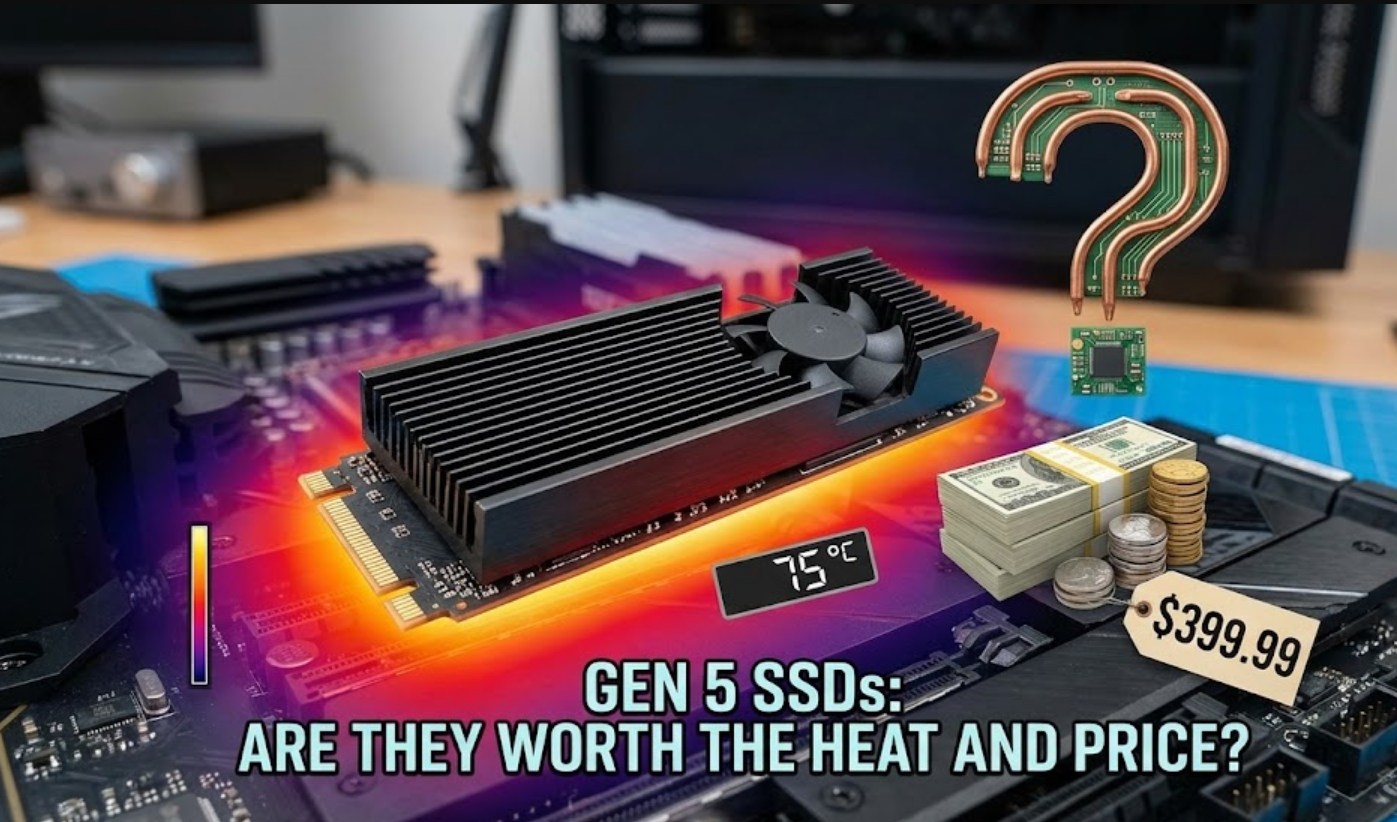
But as with any cutting-edge tech, there is a catch—or rather, two: they get incredibly hot and they are quite expensive. If you are looking at building a new PC or upgrading your current one, you might be wondering if you really need that “Gen 5” sticker on your box or if you should stick with the tried-and-true Gen 4.
Just How Fast Are We Talking?
To understand why people are excited, we have to look at the numbers. To put things in perspective, let’s look at the theoretical maximum speeds of the last few generations of drives:
-
- Gen 3 SSDs: Topped out at about 3,500 MB/s.
- Gen 4 SSDs: Doubled that to roughly 7,500 MB/s.
- Gen 5 SSDs: Can currently reach up to 14,000 MB/s, with even faster versions on the horizon.
In simple terms, a Gen 5 drive is nearly twice as fast as the best Gen 4 drive and four times faster than what most people were using just a few years ago. In a world where we hate waiting for loading screens, that sounds like a dream come true.
The Heat Factor: A New Cooling Challenge
Here is the problem: moving data that fast requires a lot of electricity, and electricity creates heat. Gen 5 SSDs run significantly hotter than their predecessors. If an SSD gets too hot, it performs “thermal throttling,” which means it intentionally slows itself down to prevent melting or permanent damage.
To combat this, manufacturers have had to get creative. If you buy a Gen 5 SSD today, you won’t just get a tiny sliver of silicon. You will likely see one of the following:
-
- Massive Heatsinks: Some drives come with huge blocks of aluminum on top that look like miniature skyscrapers.
- Active Cooling: Some even feature tiny, high-pitched fans built directly onto the drive to blow air over the chips.
- Motherboard Armor: Many high-end motherboards now include thick metal plates specifically designed to soak up the heat from these drives.
Because of this heat, you can’t just “plug and play” a Gen 5 drive into a laptop or a compact PC build without serious cooling considerations. If your airflow isn’t perfect, that expensive Gen 5 drive might end up running at Gen 4 speeds anyway because it’s too hot to handle.
The Price of Admission
Being an “early adopter” is never cheap. As of now, Gen 5 SSDs cost significantly more per gigabyte than Gen 4 drives. But the cost of the drive itself isn’t the only expense. To actually use a Gen 5 SSD, your entire system needs to be modern.
-
- CPU Compatibility: You need a relatively new processor (like Intel’s 12th Gen or newer, or AMD’s Ryzen 7000 series).
- Motherboard Support: You must have a motherboard with a PCIe 5.0 M.2 slot. Even many “new” motherboards only support Gen 4.
- Power Supply: While the drive doesn’t pull hundreds of watts, every bit of heat adds up, requiring a well-ventilated case and potentially more fans.
Do You Actually Need the Speed?
This is the most important question. For the average person, the answer might be “not yet.” If you are writing a school essay, watching YouTube, or even playing most current video games, you will barely notice the difference between a Gen 4 and a Gen 5 drive.
Most games today aren’t designed to utilize 14,000 MB/s speeds. Even with technologies like “DirectStorage”—which allows the graphics card to talk directly to the SSD—a Gen 4 drive is already more than fast enough to make loading screens nearly instant.
However, there are specific groups of people who will find Gen 5 drives life-changing:
-
- Video Editors: If you are working with 8K raw video files, moving those massive files back and forth can take hours on slower drives. Gen 5 cuts that time in half.
- Data Scientists: People running massive simulations or moving terabytes of data daily will see a massive productivity boost.
- Enthusiasts: Some people just want the “best of the best” to future-proof their systems for the next five years.
The Final Verdict
For most students and gamers, Gen 4 SSDs are currently the “sweet spot.” They are affordable, they run cool enough to work in almost any computer, and they are already incredibly fast.
Gen 5 SSDs are an impressive feat of engineering, but they are currently in their “growing pains” phase. Unless you are a professional handling massive files or a hardware enthusiast who doesn’t mind the extra cost and heat, you might want to wait a year or two. Eventually, Gen 5 will become the standard, the prices will drop, and the cooling will become more efficient. Until then, don’t feel like you’re missing out—Gen 4 is still plenty fast for the world of today.
