
We have all been there. You go to wake up your phone or turn down the volume, and instead of that satisfying, tactile “click,” the button feels soft, unresponsive, or stuck. It’s like pressing a finger into a bowl of mashed potatoes. This “mushy” button syndrome is one of the most common issues smartphone owners face, and while it feels like a hardware disaster, it is often something you can fix right at your desk with a few household items.
Before you panic and start looking up the cost of a new device, let’s look at why this happens and how you can restore that clicky goodness.
Why Do Buttons Go Soft?
Smartphone buttons are tiny mechanical switches. Most of the time, the mushiness isn’t because the switch is broken, but because something is blocking it. Over months of use, our phones live in pockets and bags, picking up a cocktail of debris. The most common culprits include:
-
- Pocket Lint: Tiny fibers that wedge themselves into the microscopic gaps around the button.
- Sticky Residue: Spilled soda, dried sweat, or even oils from your skin that act like glue.
- Dust and Grit: If you’ve been to the beach or work in a dusty environment, tiny particles can get under the button housing.
- Case Friction: Sometimes, it isn’t the phone at all, but a cheap or worn-out silicone case pressing against the frame.
The Preliminary Check
Before you start cleaning, perform a quick test. Take your phone out of its case. Does the button still feel mushy? If the click returns once the case is off, you’ve found your problem. You might just need to wash your case with warm soapy water or buy a new one. If the button is still unresponsive without the case, it’s time to move on to the cleaning phase.
Method 1: The Isopropyl Alcohol Rub
This is the most effective way to dissolve the “gunk” that makes buttons sticky. You will need 70% or higher Isopropyl alcohol (rubbing alcohol) and a cotton swab (Q-tip).
-
- Power Down: Always turn your phone completely off before applying any liquids.
- Dampen the Swab: Dip the Q-tip in the alcohol. It should be damp, not dripping wet. You don’t want liquid running into the internal motherboard.
- The Surround Scrub: Rub the swab around the edges of the mushy button. Let the alcohol seep slightly into the crevices.
- The Rapid Press: While the alcohol is still wet, press the button repeatedly—about 20 to 30 times. This helps the alcohol break down the debris inside and distribute it so the button can move freely again.
- Dry and Test: Wipe away any excess with a microfiber cloth, wait two minutes for the alcohol to evaporate, and turn the phone back on.
Method 2: Using Compressed Air
If the problem is dust or lint rather than something sticky, liquid might not be the answer. Instead, you want to blow the debris out.
-
- Hold the can of compressed air upright (never tilt it, or liquid propellant will spray out).
- Use the thin straw attachment to aim directly at the gaps around the button.
- Use short, sharp bursts of air.
- While spraying, wiggle the button slightly to help dislodge the trapped particles.
Method 3: The “Contact Cleaner” Solution
If rubbing alcohol doesn’t work, you can level up to a dedicated Electronic Contact Cleaner. These are sprays specifically designed to clean sensitive electronics without leaving any residue. They are incredibly effective at removing stubborn oils and oxidation. Use the same “spray and press” technique mentioned in the alcohol method, but ensure you are in a well-ventilated room.
When Is It a Hardware Issue?
Sometimes, the “click” is physically gone because the internal metal dome has flattened out or shifted. This usually happens if the phone was dropped directly on the button or after years of heavy use. You can tell it’s a hardware issue if:
-
- The button has no “travel” (it doesn’t move down at all).
- Cleaning provides zero improvement.
- The button works, but only if you press it with extreme force.
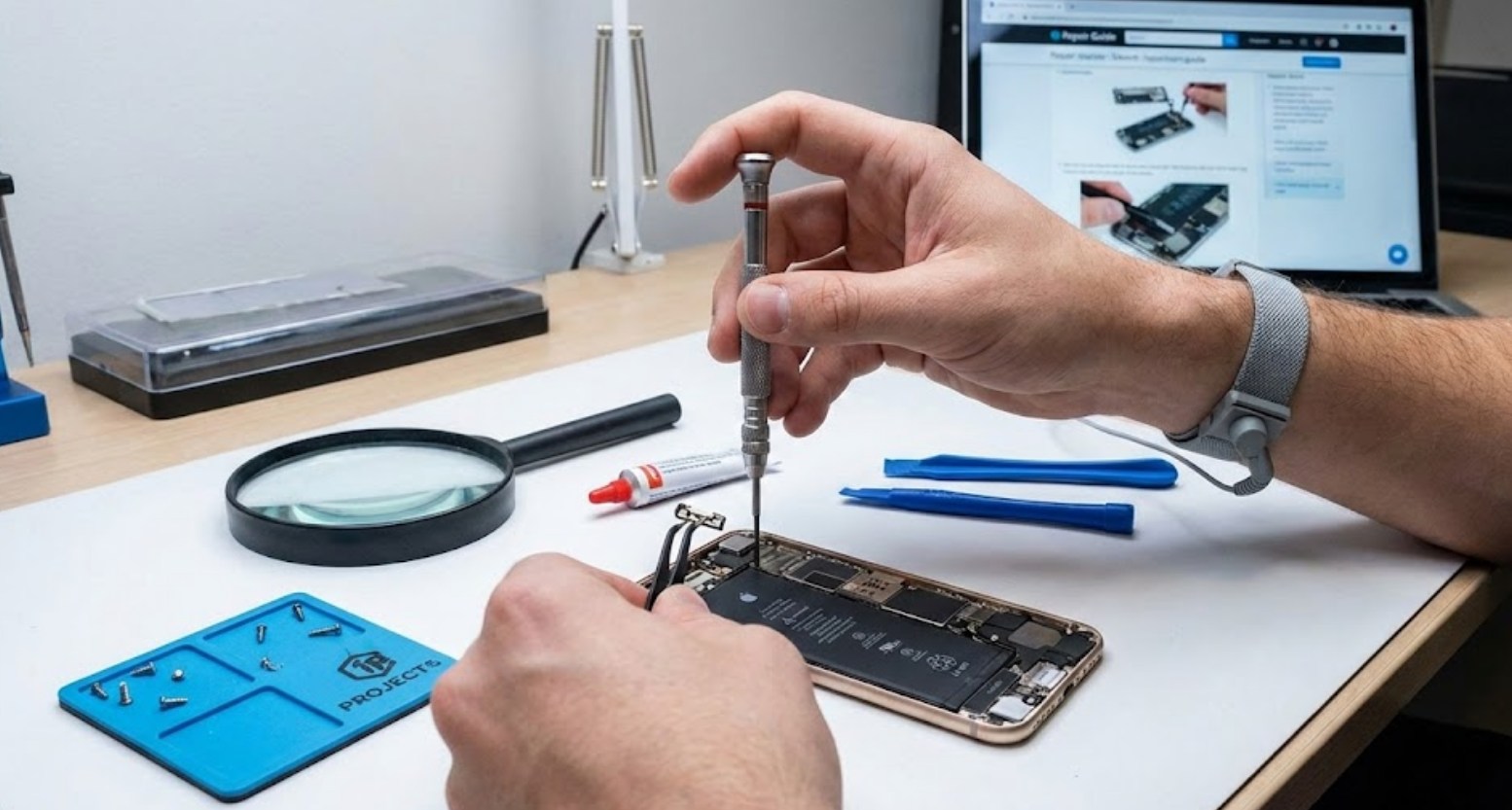
In these cases, the fix involves opening the phone and replacing the flex cable or the bracket. Unless you have experience with microscopic screws and heat guns, this is the point where you should take it to a professional repair shop.
Pro-Tips for Prevention
To keep your buttons clicking for the life of your phone, follow these simple habits:
-
- Clean your case monthly: Dirt builds up inside the case and eventually migrates into the phone’s ports and buttons.
- Avoid “Ghost Pressing”: Don’t keep your phone in a pocket that is too tight, as the constant pressure can wear out the mechanical spring in the button.
- Wash your hands: It sounds simple, but skin oils and sugar from snacks are the leading causes of sticky buttons.
By taking ten minutes to clean your device, you can save yourself a trip to the mall and a hefty repair bill. Most “broken” buttons are just dirty, and with a little bit of patience and some rubbing alcohol, you can make your smartphone feel brand new again.
