
Building a silent AI workstation is about finding the perfect balance between raw power and thermal efficiency. Here is how you can pick the right parts for a quiet, high-performance build in 2026.
The Brain: Choosing a Cool-Running CPU
In the past, people thought the fastest processor was always the best. In 2026, we focus more on “Performance per Watt.” You want a CPU that can handle data preprocessing without hitting temperatures that force your fans to spin at maximum speed.
Look for processors with a lower Thermal Design Power (TDP). Many modern chips now come with “Eco Modes” or high-efficiency cores that handle background tasks silently. When the CPU stays cool, the cooling system doesn’t have to work as hard, which is the first step toward a silent room.
The Heavy Lifter: The Graphics Card (GPU)
The GPU is the most important part of an AI workstation. Whether you are running Large Language Models (LLMs) or generating images, the GPU does the heavy lifting. However, it is also the loudest part of the computer.
To keep things quiet, you should look for three specific features in a 2026-era GPU:
-
- Large VRAM Capacity: For AI, having more Video RAM (VRAM)—ideally 16GB or 24GB—is more important than having the fastest clock speed. This allows you to run larger models without hitting “bottlenecks.”
- Triple-Fan Arrays: Larger cards with three fans can spin more slowly (and quietly) while moving the same amount of air as a smaller card with one loud fan.
- Zero-RPM Mode: Most high-end cards now have a feature where the fans stop spinning entirely when the temperature is low. This ensures total silence when you are just writing code or browsing the web.
Keeping it Chill: Silent Cooling Solutions
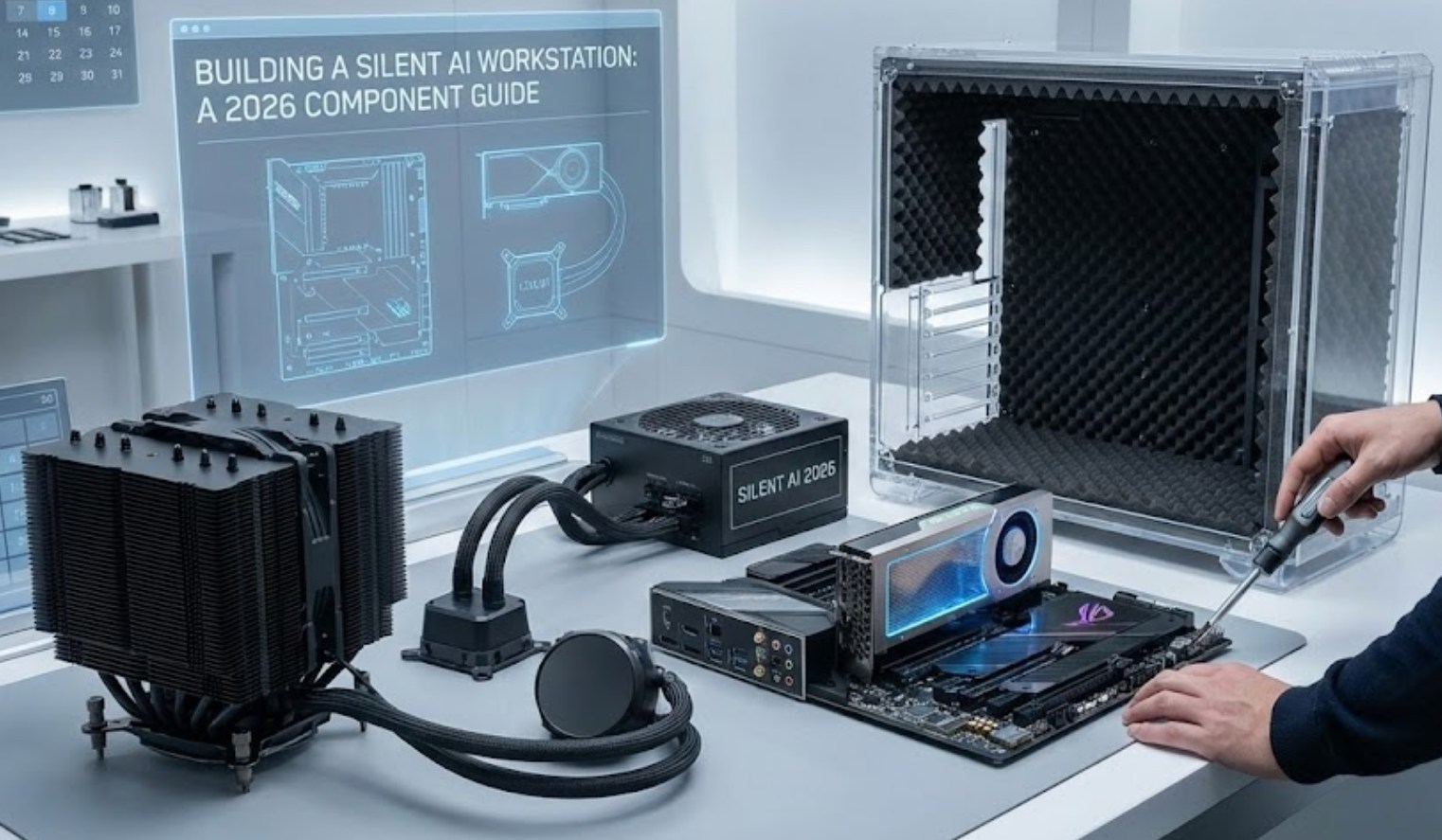
The way you move heat out of the case determines how much noise your build makes. You have two main paths: massive air coolers or liquid cooling.
-
- Giant Air Coolers: Brands like Noctua and Be Quiet! have perfected the art of the “heatsink.” These are giant metal towers with large, specially shaped fans. Because the metal surface area is so big, the fans can spin very slowly to keep the CPU cool.
-
- All-in-One (AIO) Liquid Coolers: These use a pump to move liquid from the CPU to a radiator. In 2026, pumps have become nearly silent. If you go this route, choose a 360mm radiator. The more surface area you have, the slower the fans need to spin.
-
- Case Fans: Don’t use the cheap fans that come with your computer case. Replace them with high-quality 140mm fans. Larger fans move more air at lower speeds than smaller 120mm fans.
The Foundation: Case and Power Supply
The “skin” and the “stomach” of your computer also play a role in noise levels. A cheap case will vibrate and rattle, while a cheap power supply will have a tiny, whiny fan.
-
- The Case: Look for a case lined with sound-dampening foam. These cases are designed to absorb high-frequency noises. Avoid cases with too many glass panels if silence is your priority, as glass reflects sound while solid, padded panels soak it up.
- The Power Supply (PSU): Pick a PSU with an “80 Plus Platinum” or “Titanium” rating. These are highly efficient, meaning they waste very little energy as heat. Many of these units have a “Fanless Mode” where the fan only turns on when the computer is under extreme stress.
- Storage: This is the easiest part. In 2026, mechanical hard drives (HDDs) are mostly a thing of the past for workstations. Use NVMe SSDs. They have no moving parts, which means they are 100% silent and incredibly fast.
Putting it All Together
Building a silent workstation is a bit like building a high-performance electric car. You want all the speed, but you want it to feel effortless and calm. When you pick your parts, always check the decibel (dB) ratings in reviews.
On top of the hardware, you can use software to “undervolt” your components. This involves telling your GPU and CPU to use slightly less power. Often, you can reduce heat by 10 or 15 degrees while only losing a tiny fraction of performance. This small tweak can be the difference between a loud fan and a whisper-quiet machine.
By focusing on high-efficiency parts and large cooling surfaces, you can create an AI powerhouse that stays out of your way, letting you focus on your projects instead of the noise under your desk. In the world of 2026 technology, silence isn’t just a luxury—it’s a sign of a well-engineered machine.
