
If you have ever thought about sharing your ideas with the world, you’ve probably considered starting a blog. In the past, this meant using clunky platforms that looked the same or required zero technical skill. But today, the web has evolved. If you are interested in coding, design, or just building something that is uniquely yours, creating a modern blog is one of the best ways to learn how the internet actually works.
When it comes to building a website today, two names dominate the conversation: Astro and Next.js. Both are powerful, free to use, and incredibly fast, but they have different personalities. Choosing between them depends on what you want your blog to do.
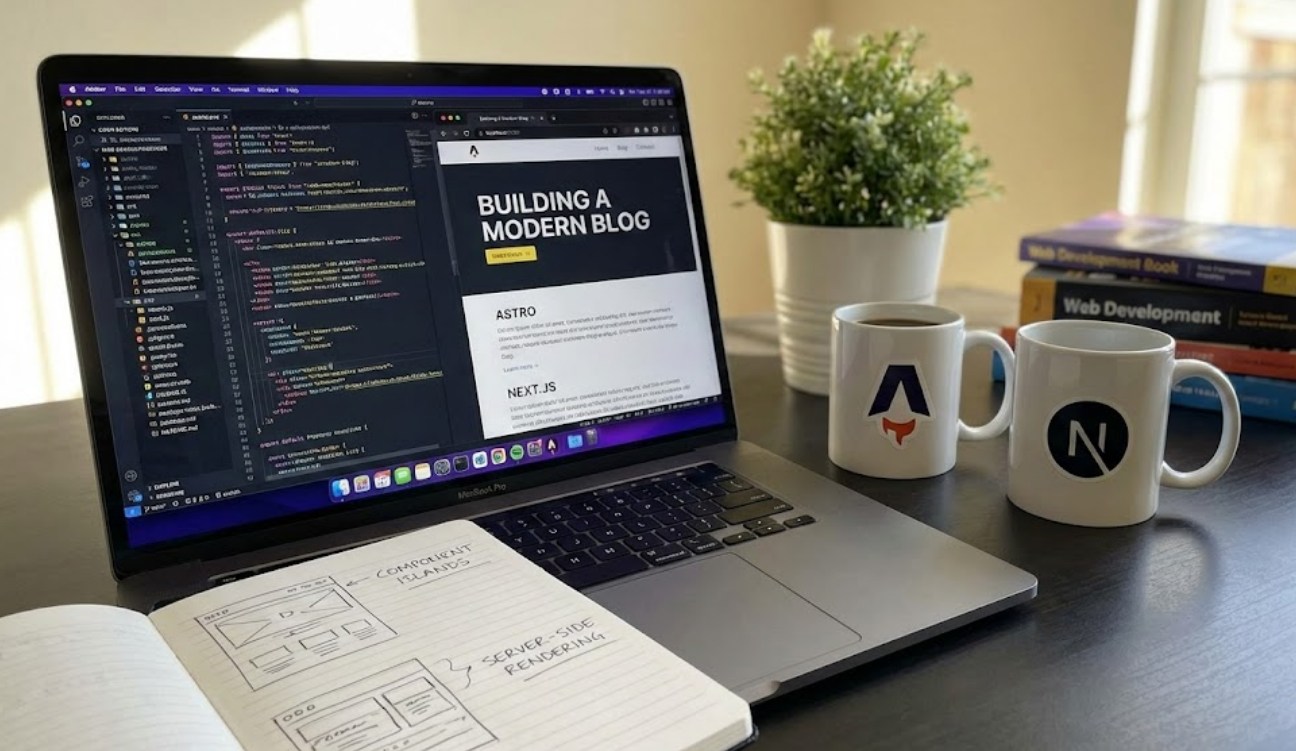
The Power of Next.js: The Heavyweight Champion
Next.js is currently the most popular framework for building websites with React. If you’ve heard of React (the library created by Meta/Facebook), then Next.js is like the “pro version” that handles all the difficult setup for you. Large companies like TikTok, Hulu, and Netflix use Next.js because it is incredibly powerful.
When you build a blog with Next.js, you are building an “App.” This means your blog can easily expand into something more complex later on, like a store, a member-only portal, or an interactive dashboard.
Why developers love Next.js for blogging:
-
- Speedy Navigation: Once a person clicks on your site, moving between pages feels instant. There is no “refresh” blink because the site acts like a single, fluid application.
- Huge Community: Because it is so popular, if you run into a bug, thousands of people have already solved it on YouTube or Reddit.
- Dynamic Features: If you want to add a real-time comment section or a “like” button that saves to a database, Next.js makes this transition seamless.
Astro: The Speed Demon
While Next.js is a powerhouse, Astro is the new favorite for people who want their sites to be as fast as humanly possible. Astro was built specifically for “content-driven” sites—which is exactly what a blog is.
Most modern websites are heavy because they send a lot of hidden code (JavaScript) to your browser. This can make sites feel slow, especially on a phone with a bad data connection. Astro fixes this by removing all that extra code before the site even reaches your screen. It only adds the “engine” back in if you specifically ask for it, like for an image gallery or a search bar.
The standout features of Astro include:
-
- Zero-JavaScript by Default: Your site loads instantly because it is just pure HTML and CSS until you decide otherwise.
- Use Anything: If you already know a little bit of React, Vue, or Svelte, you can use them all inside Astro. It’s like a universal adapter for web tools.
- Simplicity: The folder structure is very straightforward. If you know how to make a basic HTML file, you will feel right at home in Astro.
Which One Should You Choose?
Deciding between these two feels like choosing between a luxury SUV and a sleek electric sports car. Both will get you to your destination, but the experience is different.
If your goal is to eventually work as a professional web developer, Next.js is a fantastic choice. Learning it gives you a head start on the tools used by big tech companies. It is built for “web apps” that happen to have a blog.
However, if you just want a beautiful, incredibly fast blog that is easy to maintain and gets high scores on Google’s speed tests, Astro is the clear winner. It is designed for writing and storytelling. It doesn’t overcomplicate things, letting you focus on your articles rather than the “plumbing” of the website.
How to Get Your Blog Started
Regardless of which tool you pick, the process of launching your blog follows a similar path. You don’t need a high-end computer; even a basic laptop will do.
-
- Install Node.js: This is the engine that runs these frameworks on your computer. You can download it for free from their official website.
- Pick a Template: You don’t have to start from a blank white screen. Both Astro and Next.js have “themes” or “starters” that give you a professional layout (including dark mode and mobile responsiveness) right out of the box.
- Write in Markdown: Instead of fighting with a visual editor, modern blogs use Markdown. It’s a simple way to format text using symbols (like using
#for titles). It makes writing feel like taking notes. - Host for Free: You can put your blog online for free using services like Vercel or Netlify. They connect to your code and update your website automatically every time you save a new post.
The Big Picture
Building a blog today is about more than just having a place to vent or share hobbies. It is about “digital ownership.” When you post on social media, that platform owns your content and controls who sees it. When you build your own site with Astro or Next.js, you own the code, the design, and the data.
Whether you choose the robust ecosystem of Next.js or the lightning-fast simplicity of Astro, you are learning skills that are in high demand. You aren’t just a user of the internet anymore; you are a creator of it. So, pick a framework, find a tutorial, and start building. The best way to learn is simply to begin.
