
Have you ever stayed up late working on a creative project, only to realize you accidentally deleted the best part of your work? Or maybe you were working on a group presentation, and three different people saved three different versions, leaving everyone confused about which one was the “final” one. In the world of software development, these headaches are a thing of the past thanks to Git and GitHub.
As we move through 2026, the way we build software has changed. It is no longer just about typing lines of code into a black screen; it is about collaboration, automation, and using intelligent tools to build things faster than ever before. Whether you want to build a mobile app, a website, or a simple game, understanding the Git workflow is your ticket to the professional world.
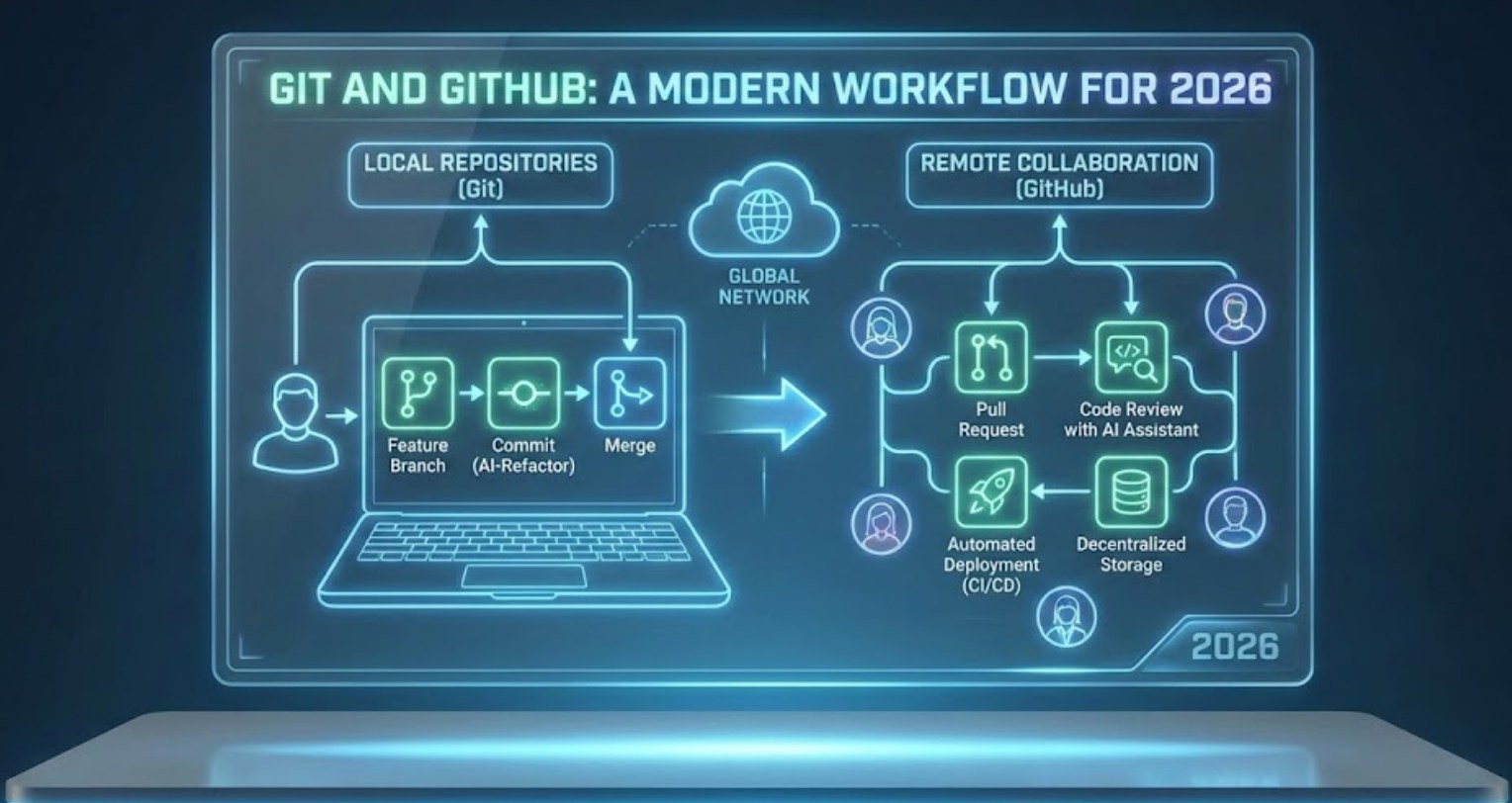
What exactly are Git and GitHub?
Before diving into the workflow, we need to clear up a common point of confusion: Git and GitHub are not the same thing.
Git is a tool that lives on your computer. It is a “version control system.” Think of it as a time machine for your files. Every time you make a major change, you create a “save point.” If you make a mistake later, you can simply jump back in time to when the code actually worked.
GitHub, on the other hand, is a website that lives in the cloud. It hosts your Git projects so you can share them with the world. It is the social network for developers. If Git is your personal notebook, GitHub is the library where you publish your work for others to read, critique, and help improve.
The Modern Workflow: Step-by-Step
In 2026, the process of writing code is streamlined. We follow a specific path to ensure that the main version of a project (often called the “production” branch) never breaks.
-
- The Repository (The Home Base): Everything starts with a repository, or “repo.” This is a folder that contains all your project files and the history of every change ever made to them.
- Branching (The Parallel Universe): Instead of editing the main code directly, you create a “branch.” This is like creating a parallel universe where you can try out new ideas. If your experiment fails, you can just delete the branch, and the main project remains perfectly safe.
- The Commit (The Snapshot): As you work, you “commit” your changes. In 2026, these commits are often accompanied by AI-generated summaries that explain exactly what you changed, making it easy for your teammates to follow along.
- The Pull Request (The Big Ask): Once your new feature is finished, you submit a “Pull Request” (PR). This is essentially a message to your team saying, “I’ve built this new part; can you check it over before I add it to the main project?”
- Merging (The Final Piece): After your team (and perhaps an automated AI bot) reviews the code and gives a thumbs up, the branch is “merged” into the main project.
Why This Matters in 2026
The landscape of technology has shifted significantly. We are now in an era where coding is highly assisted. Here is why this workflow is more relevant today than ever:
-
- AI Integration: Modern editors now use AI to suggest code. GitHub’s built-in assistants can even predict where you might have a bug before you even run the program.
- Cloud-Based Coding: You no longer need a powerful, expensive laptop to be a developer. With tools like GitHub Codespaces, you can open a full development environment inside a web browser on a cheap tablet or a school computer.
- Security Automation: In 2026, GitHub automatically scans your code for “vulnerabilities” (weak spots that hackers could use) and suggests fixes instantly.
- Portfolio Building: When you apply for internships or jobs, people don’t just want to see a resume; they want to see your GitHub profile. They want to see how you collaborate with others and how consistent you are with your “commits.”
Tips for Success
Starting out can feel overwhelming, but remember that every professional developer started exactly where you are. To make the most of this modern workflow, keep these habits in mind:
-
- Commit often: It is better to have ten small “save points” than one massive one. It makes it much easier to find where a mistake happened.
- Write clear messages: Instead of naming a change “Fixed stuff,” try “Updated the login button color to blue.” Your future self will thank you.
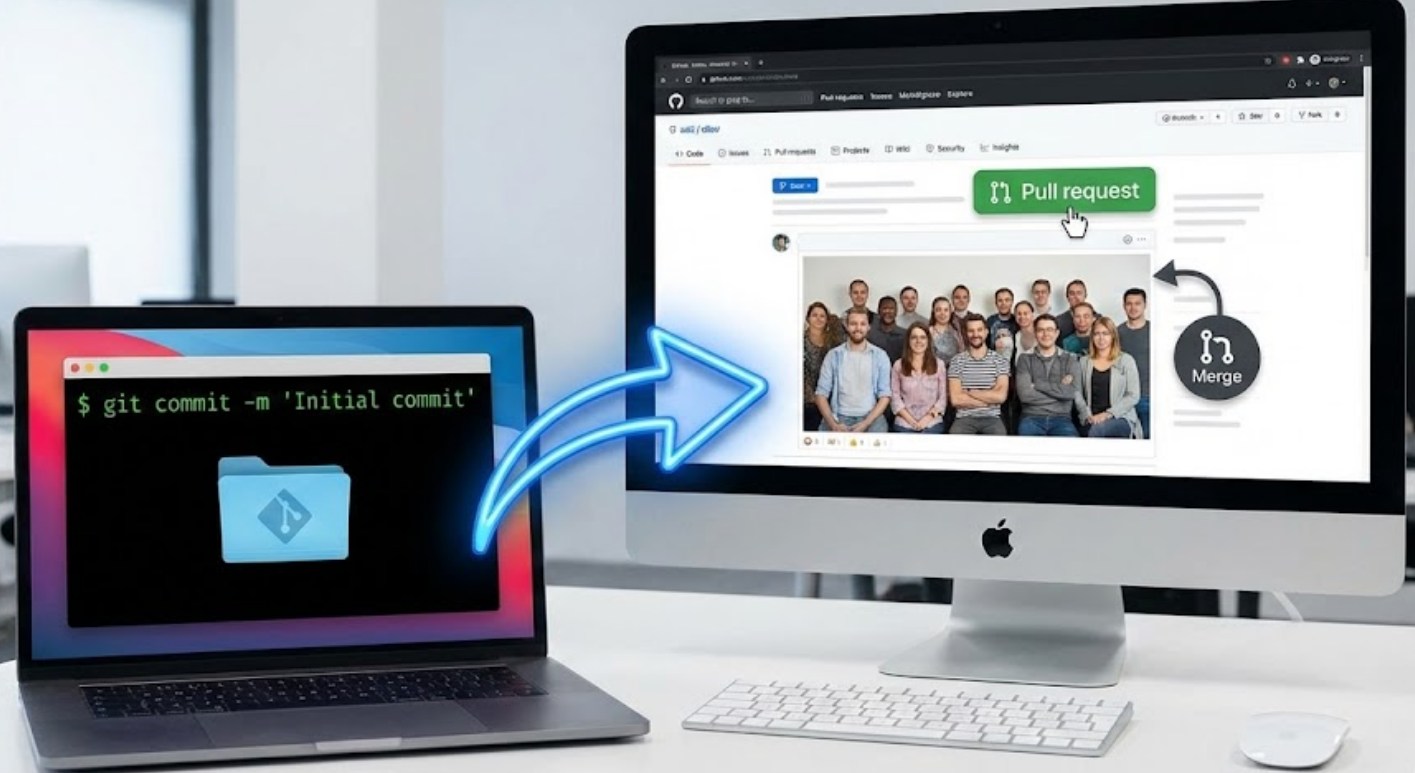
- Don’t fear the terminal: While there are many apps with buttons to handle Git, learning the text commands (like
git pushandgit pull) gives you much more control and makes you look like a pro. - Explore Open Source: One of the best ways to learn is to find a project you like on GitHub and look at their code. You can even suggest small changes or report bugs.
The Road Ahead
Git and GitHub have become the universal language of creation. By mastering this workflow, you aren’t just learning how to manage files; you are learning how to work in a team and how to build complex systems in an organized way. The tools will continue to get smarter, and the AI will get faster, but the core logic of branching, committing, and collaborating will remain the foundation of the digital world for years to come. Jump in, start a repo, and see where your code takes you!
