
Imagine walking through a crowded mall where every single shopkeeper knows your name, your home address, what you ate for breakfast, and exactly which shoes you’ve been looking at online for the last three days. In the digital world of 2026, this isn’t just a metaphor—it is the standard reality. As artificial intelligence becomes more integrated into the fabric of the internet, tracking has moved beyond simple cookies. Companies now use “digital fingerprinting” to identify you based on your device’s unique habits.
This is where the concept of a personal proxy comes in. While many people are familiar with VPNs (Virtual Private Networks), a personal proxy offers a more customized, lightweight, and often more effective way to reclaim your anonymity. Setting one up might sound like something out of a spy movie, but it is a practical skill that anyone can master to keep their digital life private.
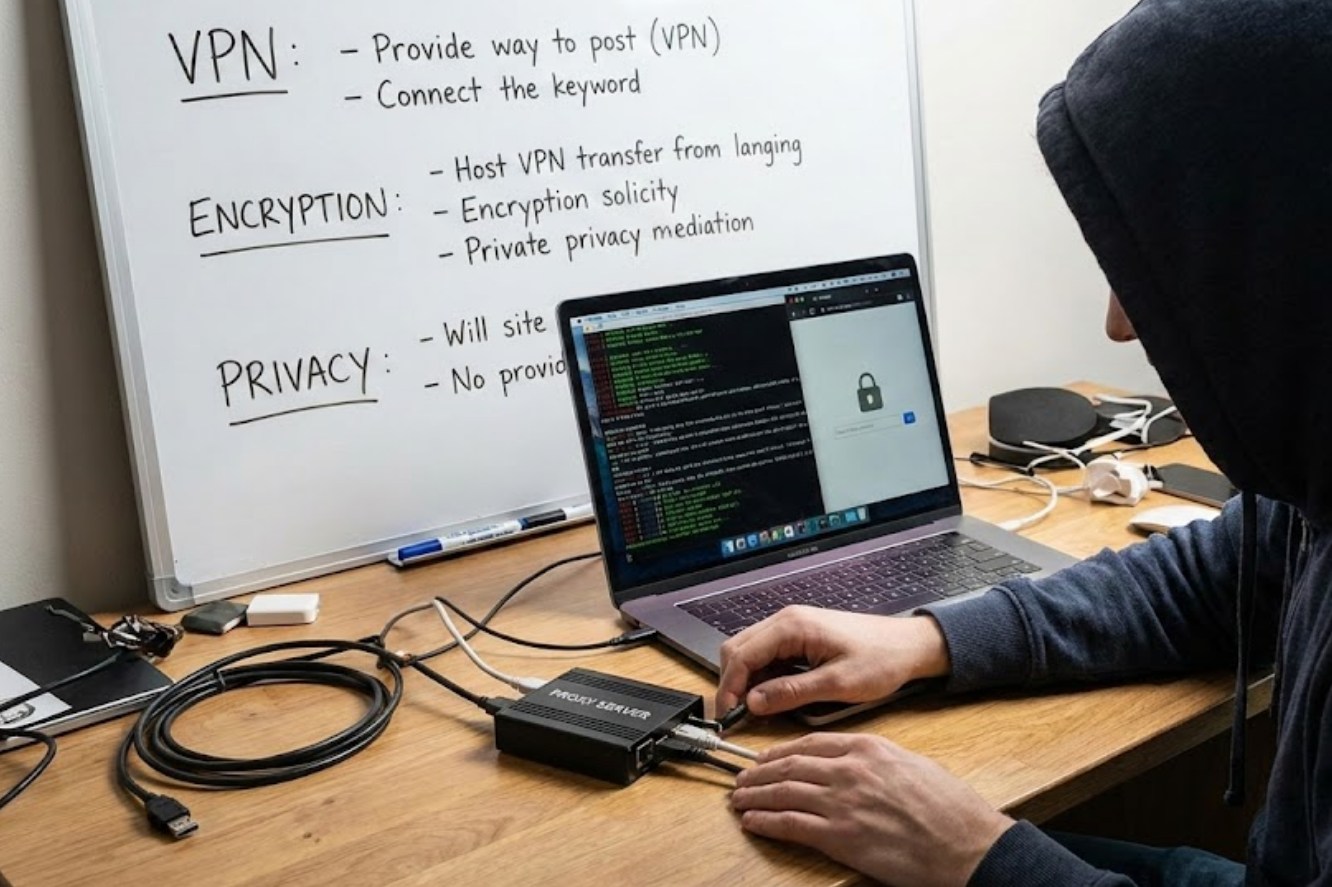
What Exactly is a Proxy?
At its core, a proxy server is an intermediary. Think of it as a digital middleman. When you type a website address into your browser, your computer usually connects directly to that site’s server. In this direct exchange, the website sees your IP address—which is essentially your digital home address—and can track your location and service provider.
When you use a proxy, the process changes:
-
- Your device sends a request to the proxy server.
- The proxy server goes to the website for you.
- The website sees the proxy’s information instead of yours.
- The proxy sends the data back to your device.
By 2026, personal proxies have become popular because they allow users to bypass the “blocklists” that many websites use to stop commercial VPNs. Since a personal proxy belongs only to you, it doesn’t raise the same red flags as a shared server used by thousands of people.
Why You Need One in 2026
Privacy today isn’t just about hiding; it’s about managing your data footprint. Here are a few reasons why a personal setup is superior to standard solutions:
-
- Avoiding AI Profiling: Modern AI algorithms build “behavioral profiles” on users. A proxy helps break the link between your identity and your browsing habits.
- Bypassing Geographic Restrictions: Whether it’s a research paper locked behind a regional wall or a streaming service not available in your country, a proxy makes it appear as though you are browsing from a different city or nation.
- Enhanced Security on Public Wi-Fi: If you’re working from a café or a library, a proxy adds a layer of protection that prevents others on the same network from snooping on your traffic.
How to Set Up Your Own Proxy
Setting up a personal proxy has become significantly easier thanks to cloud computing and simplified coding tools. You no longer need a room full of servers; you just need a small “slice” of a server in the cloud, often called a VPS (Virtual Private Server).
Step 1: Choose a Cloud Provider
You can rent a small server for a few dollars a month from providers like DigitalOcean, Linode, or AWS. Look for “Micro” or “Nano” instances, as a proxy doesn’t require much computing power.
Step 2: Select Your Software
In 2026, several open-source tools make this process a breeze. Shadowsocks and WireGuard are two of the most popular protocols. Shadowsocks is particularly good at making your traffic look like normal web browsing, which helps in avoiding censorship.
Step 3: Installation
Most cloud providers offer a “one-click” marketplace. You can often find a pre-configured image for a proxy server. If you prefer to do it manually, the process usually involves:
-
- Logging into your server via a terminal (using SSH).
- Running a script to install the proxy software.
- Setting a strong password and choosing a port number.
Step 4: Connect Your Devices
Once the server is running, you’ll receive a configuration file or a QR code. You can download a proxy client (like v2ray or Shadowsocks) on your phone or laptop, scan the code, and hit “Connect.”
Essential Tips for Success
Maintaining a proxy is a bit like maintaining a bicycle; it’s simple, but it needs occasional check-ups. To ensure you’re getting the most out of your setup, keep these points in mind:
-
- Rotate Your IP: Some cloud providers allow you to change your server’s IP address. Doing this every few months keeps your “digital trail” cold.
- Use Encryption: Ensure that your proxy protocol supports high-level encryption. A proxy without encryption is like sending a postcard—the mailman can still read the message even if the return address is fake.
- Monitor Your Usage: Since you are paying for the server, keep an eye on data limits. High-definition video streaming can eat through a basic data plan quickly.
The Bigger Picture: Digital Sovereignty
Setting up a personal proxy is more than a technical project; it is an act of digital sovereignty. It represents the idea that you, not a corporation or a data broker, should decide who sees your information. In an era where “free” services are paid for with your personal history, taking the time to build your own tools is a powerful way to stay safe.
As we move deeper into the 2020s, the tools used to track us will only become more sophisticated. However, by understanding the basics of how the internet moves data, you can stay one step ahead. A personal proxy is your first line of defense in a world that is always watching. It’s simple, effective, and puts the power back where it belongs: in your hands.
