
For over a decade, Evernote was the undisputed king of digital note-taking. It was the place where everyone—from CEOs to students—stored their ideas, web clippings, and to-do lists. But as we move through 2026, the landscape has shifted dramatically. If you walk into a library or a study hall today, you’re less likely to see the iconic green elephant logo and much more likely to see the sleek, purple-themed interface of Obsidian.
So, what happened? Why did the pioneer of the “paperless” movement lose its crown to a local-first app that uses plain text? The answer lies in how we think about our digital lives and our desire for more control over our information.
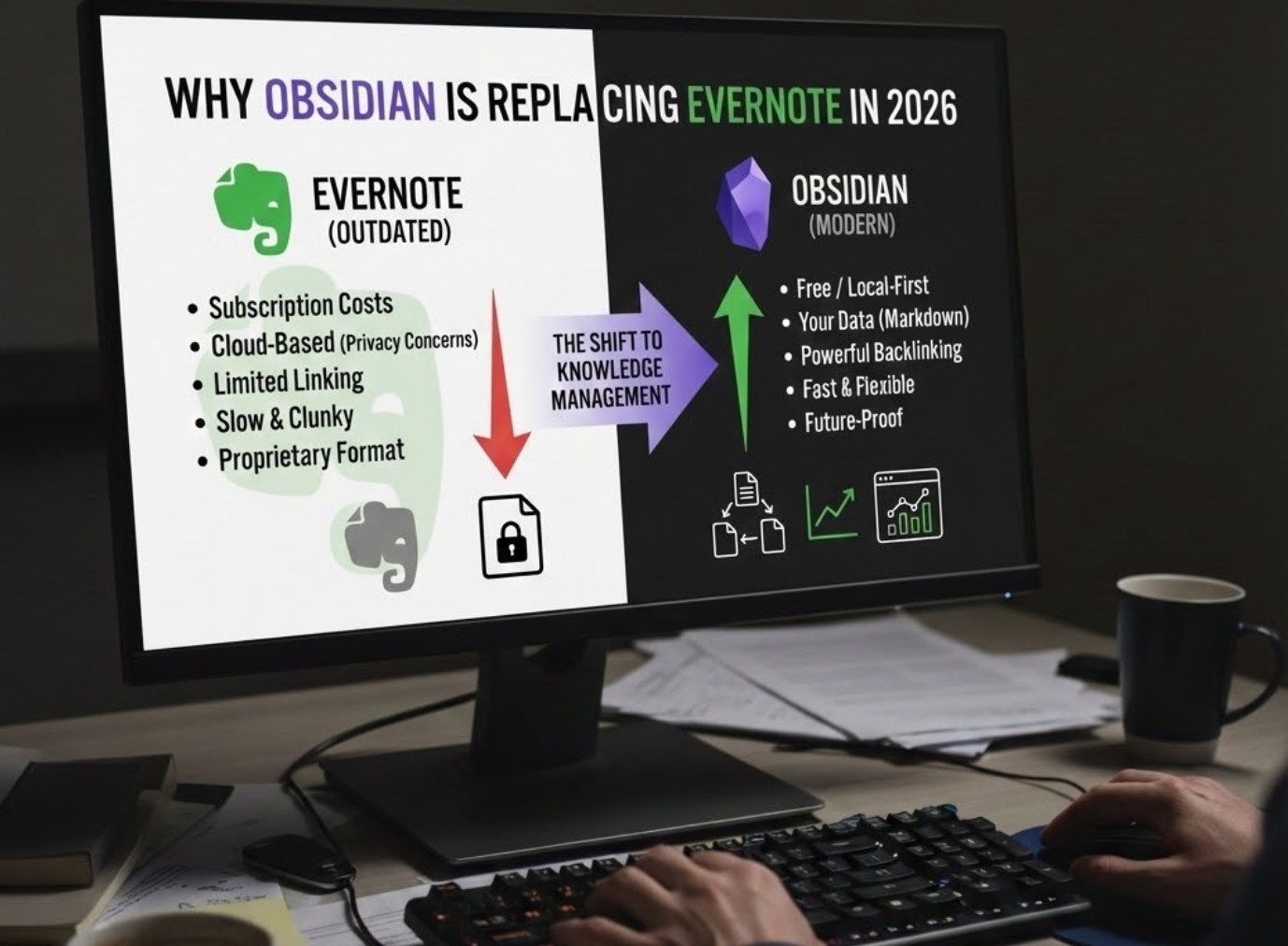
1. The Death of the Subscription Trap
In 2026, subscription fatigue is a real thing. It feels like every app wants $10 or $20 a month just to exist on your phone. Evernote’s prices have steadily climbed over the years, while their free plan became more and more restrictive.
Obsidian took a different path. It is free for personal use, and because it stores files directly on your device, you aren’t paying for “cloud storage” that you don’t really need.
Why the cost factor matters:
-
- Sustainability: Students and hobbyists don’t want a monthly bill just to access their own thoughts.
- Longevity: If you stop paying for a subscription app, you often lose features or access. With Obsidian, your notes are yours forever.
- Simplicity: There are no “tiers” to navigate. You get the full power of the app from day one.
2. Ownership and the “Local-First” Revolution
One of the biggest lessons learned in the mid-2020s was that data stored in the cloud isn’t always safe. If a company changes its privacy policy or goes out of business, your notes could vanish or be locked behind a paywall.
Evernote stores your notes on its servers in a format that is hard to read without their app. Obsidian, however, uses Markdown. These are just plain text files (.txt) that can be opened by any computer built in the last forty years.
By keeping your notes on your own hard drive (or your own private cloud like iCloud or Google Drive), you gain “digital sovereignty.” You aren’t renting your notes; you own them. If Obsidian were to disappear tomorrow, your notes would remain perfectly readable and organized on your computer.
3. From Folders to Networks: The Power of Linking
The old way of organizing notes was using folders. You’d have a folder for “History,” a folder for “Science,” and a folder for “Personal.” But what happens when you’re writing a paper about the history of science? Where does that note go?
Obsidian changed the game by focusing on bi-directional linking. Instead of burying notes in folders, you connect them like a web. By using a simple double-bracket command—like [[Biology]]—you create a link between ideas.
-
- The Graph View: Obsidian visualizes these links in a stunning interactive map. You can actually see your brain growing as the dots (notes) and lines (connections) multiply.
- The Second Brain: This method mimics how the human brain actually works—through association, not through rigid filing cabinets.
- Discovery: When you look at your graph, you often find connections between subjects you never realized were related, which is a massive advantage for complex projects or creative writing.
4. Customization: Making the App Your Own
Evernote is like a hotel room: it’s functional, but you can’t move the furniture or repaint the walls. Obsidian is like a Lego set. Because it is community-driven, there are thousands of “plugins” and “themes” that allow you to change everything.
Some people use Obsidian as a simple daily journal. Others turn it into a high-powered project management tool with calendars, kanban boards, and automated databases.
Popular ways users are customizing Obsidian in 2026:
-
- Canvas Mode: A giant infinite whiteboard where you can drag and drop notes, images, and videos to brainstorm.
- Community Themes: Changing the entire look of the app—from a “retro typewriter” vibe to a “futuristic sci-fi” aesthetic.
- Dataview: A plugin that lets you treat your notes like a spreadsheet, automatically listing all books you’ve read or tasks you haven’t finished.
5. Speed and Focus
As apps get older, they often get “bloated.” They add features nobody asked for, which makes the app slow to open and confusing to use. Evernote became notorious for this. Obsidian, by contrast, is incredibly fast. Since it doesn’t have to sync with a heavy server every time you type a letter, the experience is snappy and distraction-free.
In a world full of notifications and bright red “buy now” buttons, Obsidian feels like a quiet room. It’s just you and your thoughts. The interface is clean, and the focus is entirely on writing and thinking.
The Bottom Line
The shift from Evernote to Obsidian isn’t just about switching software; it’s about a change in mindset. In 2026, we’ve realized that our ideas are our most valuable assets. We want tools that are flexible, private, and free from the grip of corporate subscription models.
Obsidian has proven that a tool doesn’t need to be complicated to be powerful. By giving users the keys to their own data and the tools to connect their thoughts, it has become the gold standard for anyone who wants to turn a pile of random notes into a true “second brain.” If you’re still using a filing cabinet in the age of the internet, it might be time to start building your own digital galaxy.
