
Imagine you’re starting a small business from your bedroom. Maybe you’re designing custom sneakers, or perhaps you’ve developed a new type of eco-friendly water bottle. You have the product in your hand, and it looks great, but when you try to take a picture of it for your website, things go south. The lighting is harsh, your bedroom wall looks messy in the background, and the shadows make your product look dull instead of high-end.
In the past, solving this problem required hiring a professional photographer, renting a studio, and spending hundreds—if not thousands—of dollars. Today, that entire process is being flipped on its head by Artificial Intelligence. Generating realistic product photos with AI is no longer a futuristic dream; it’s a tool that anyone with a laptop can use to make their ideas look professional.
The Magic Behind the Lens
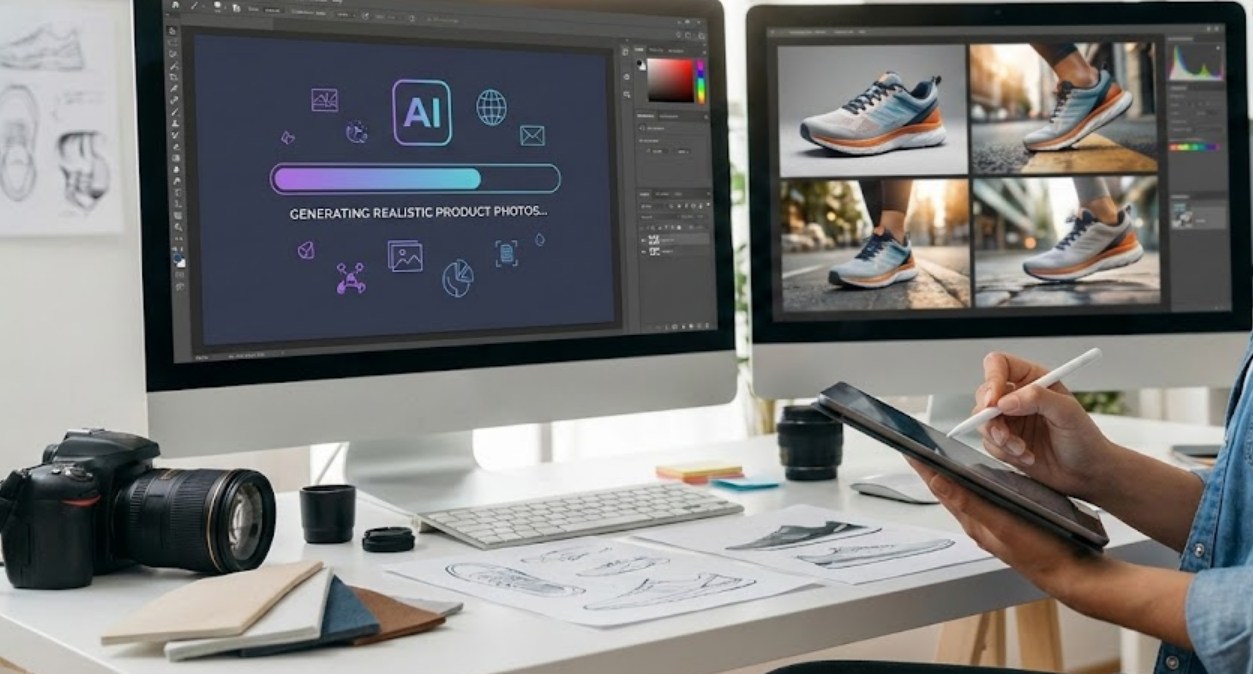
So, how does this actually work? At its core, AI product photography uses something called “generative models.” Think of the AI as a digital artist that has looked at millions of professional photos. It understands how light hits glass, how shadows fall on wood, and how colors should pop under a “golden hour” sunset.
When you use an AI tool for product photos, you aren’t just applying a filter like you would on Instagram. You are essentially telling the computer to “reimagine” the environment around your object.
The Process: From Phone Shot to Studio Quality
The beauty of this technology is that you don’t need a fancy DSLR camera to start. A simple photo taken on your smartphone is usually enough. Here is the typical workflow most people follow:
-
- The Base Image: You take a clear photo of your product against a plain background (even a white sheet or a desk works).
- Removing the Background: AI tools can instantly “cut out” the product, leaving you with just the object.
- The Prompt: This is where the creativity happens. You type a description of where you want the product to be. For example: “A bottle of lemonade on a rustic wooden table, surrounded by fresh lemons and mint leaves, with soft morning sunlight streaming through a window.”
- Generation: The AI takes your product and your text and blends them together, calculating exactly how the light from that “morning sun” would reflect off the surface of your bottle.
Why This is Changing the Game
For a long time, high-quality imagery was a “gatekeeper.” It separated big corporations with huge budgets from small creators. AI is tearing those gates down. Here are a few reasons why this shift is so significant:
-
- Speed and Efficiency: A traditional photoshoot could take weeks to plan and execute. With AI, you can generate fifty different looks for your product in less than ten minutes.
- Infinite Environments: Do you want your hiking boots to look like they are on a snowy mountain in the Alps? Or maybe on a dusty trail in Arizona? You can swap these backgrounds without ever leaving your chair.
- Consistency: If you have ten different products, AI can ensure they all have the exact same lighting and vibe, which makes a brand look much more “together” and professional.
- Cost-Effectiveness: Most AI tools offer free versions or low-cost monthly subscriptions that are significantly cheaper than hiring a professional crew.
Keeping It Real: The Importance of Shadows and Physics
One of the biggest giveaways that a photo is fake is when the object looks like it’s “floating” on the background. We’ve all seen bad Photoshop jobs where the lighting on the person doesn’t match the lighting on the street behind them.
The newest AI tools have solved this by focusing on “physics-based rendering.” They don’t just slap a background behind your product. They analyze the shape of your product and create “contact shadows”—those tiny, dark shadows right where the object touches the ground. They also add reflections. If you place a shiny metal watch on a marble table using AI, the AI will actually draw the reflection of the watch into the marble. This attention to detail is what tricks our brains into thinking the photo is 100% real.
The Ethical Side of AI Photos
While this technology is exciting, it does come with things to think about. If you use AI to change your product too much—like making the colors brighter than they actually are in real life—you might end up with unhappy customers.
-
- Honesty: It’s important to make sure the AI reflects the actual product accurately.
- Creativity vs. Replacement: While AI helps with the background and lighting, the most successful brands still use their own unique creative vision to stand out.
- Human Touch: Professional photographers are still vital for complex shoots, but AI is a powerful assistant for the “everyday” content we see online.
Looking Ahead
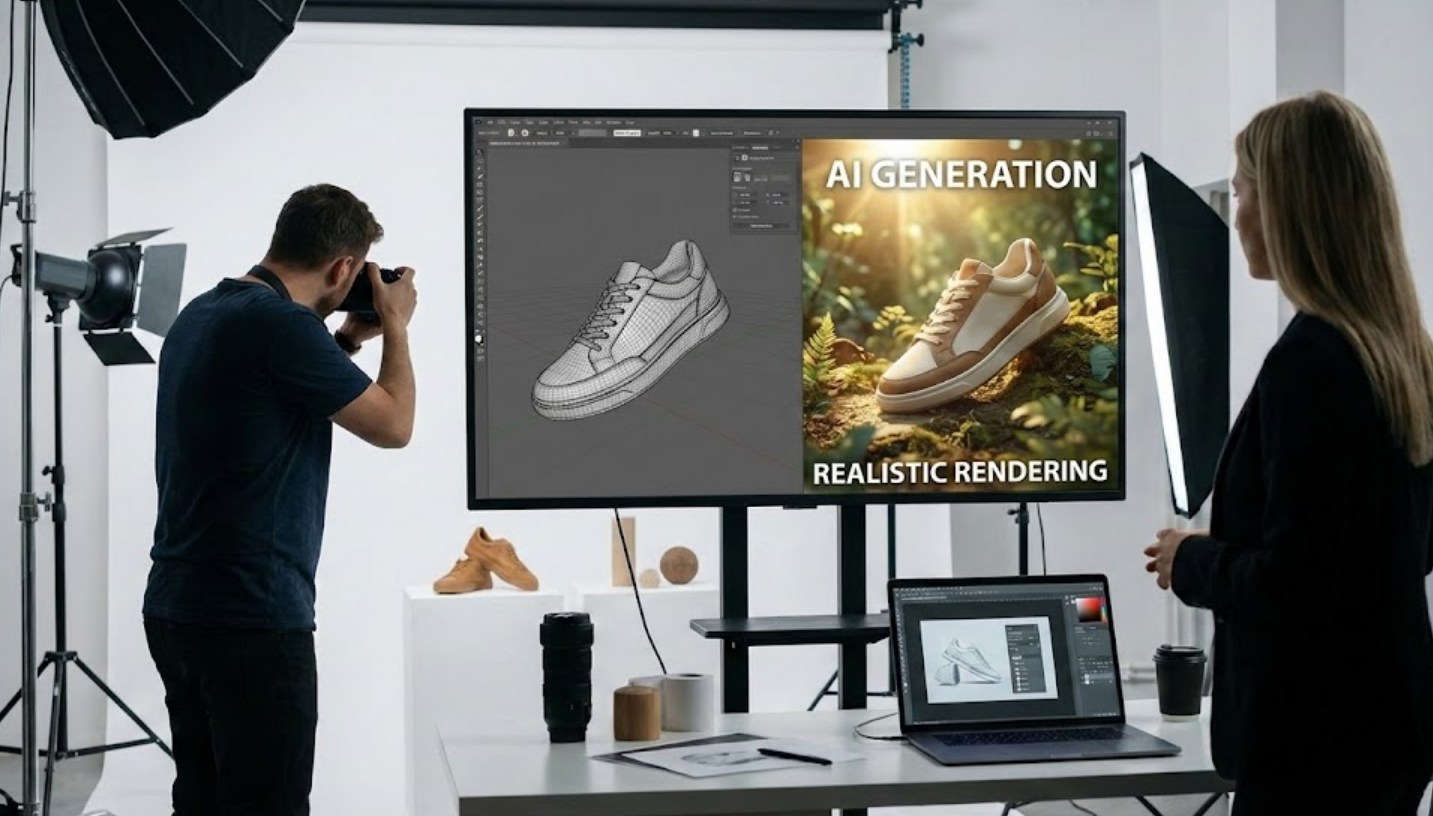
As AI continues to improve, we are moving toward a world where the line between a digital render and a physical photograph is almost invisible. For anyone looking to start a project, a blog, or a business, this is a massive advantage. You no longer need to be a pro at lighting or editing to share your vision with the world. You just need a good idea and the right prompt to bring it to life.
The next time you’re browsing an online store and see a perfectly lit, cinematic photo of a pair of headphones, take a closer look. You might just be looking at the incredible power of AI.
