
Imagine walking into your room, and with a simple voice command, your lights dim, your favorite playlist starts blasting, and your heater kicks in to the perfect temperature. This isn’t science fiction anymore; it’s the reality of the Internet of Things, or IoT. From smart refrigerators that tell you when you’re low on milk to doorbells that let you see who’s there from halfway across the world, our homes are becoming more connected every day.
However, there is a hidden side to this convenience. Every “smart” device you add to your Wi-Fi is essentially a tiny computer, and like any computer, it can be hacked. The problem is that while we usually remember to put antivirus software on our laptops, we rarely think about the security of our smart lightbulbs. Protecting your home network from IoT vulnerabilities is no longer just for tech experts; it is a vital part of modern digital hygiene.
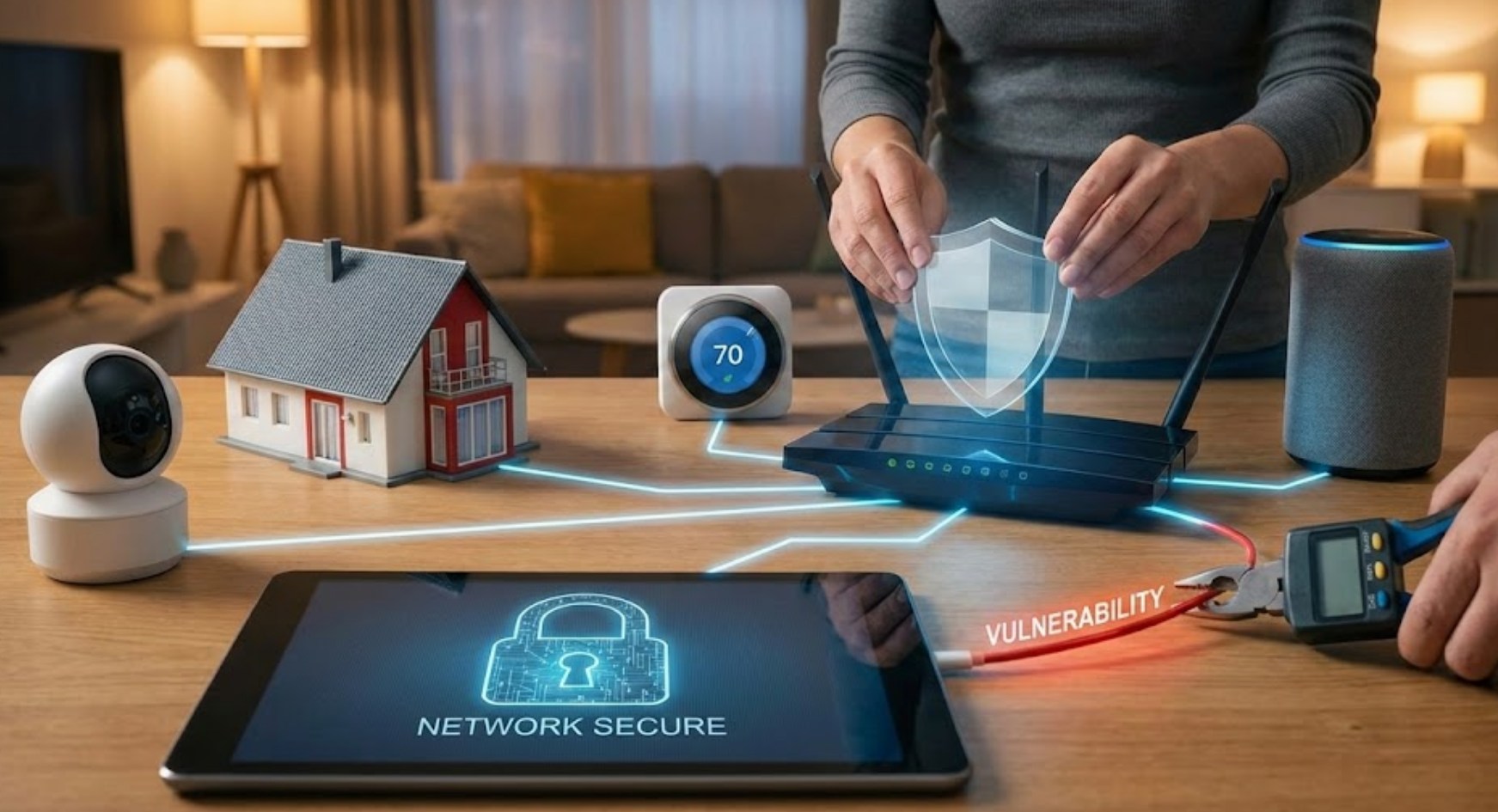
Why Your Toaster is a Target
You might wonder why a hacker would care about your smart toaster. They probably don’t want to burn your bread, but they do want what that toaster represents: an open door. IoT devices are often the “weakest link” in a home network. Many manufacturers rush these products to market to keep them cheap, which means security features are frequently an afterthought.
If a hacker gains access to a cheap smart plug, they can use it as a jumping-off point to reach more sensitive devices on the same network, like your phone or the laptop where you do your schoolwork and banking.
Strengthening Your Digital Perimeter
To keep your network safe, you don’t need to be a coding genius. You just need to follow a few strategic steps to lock the virtual doors of your home.
1. Change the Defaults Immediately
Most IoT devices come with a “default” username and password, like “admin” and “password123.” Hackers have massive lists of these defaults and use automated scripts to try them on thousands of devices at once.
-
- Always create a unique, complex password for every new device.
- If the device allows it, change the default username as well.
- Avoid using the same password for your smart home devices that you use for your email or social media.
2. The Power of the Guest Network
One of the most effective ways to protect your main data is to put your IoT devices on a “Guest Network.” Most modern routers allow you to set up a secondary Wi-Fi signal. By putting your smart TV, gaming consoles, and smart lights on the guest network, you create a wall between them and your computer. If a hacker manages to compromise a smart bulb on the guest network, they remain stuck there, unable to hop over to the “main” network where your private files are stored.
3. Keep Your Devices “Fresh”
Software isn’t perfect. Developers often find “bugs” or security holes after a product has been released. To fix these, they release firmware updates.
-
- Check the app associated with your smart devices once a month for updates.
- Enable “Auto-Update” whenever the option is available.
- If a manufacturer stops releasing updates for an old device, it might be time to consider replacing it or disconnecting it from the internet entirely.
Advanced Habits for a Secure Home
Once you have the basics down, there are a few more ways to ensure your network remains a fortress.
One often overlooked feature is Universal Plug and Play (UPnP). This feature helps devices find each other on a network automatically, which is convenient for gaming but can be a massive security risk because it can open holes in your router’s firewall without you knowing. For the highest level of security, it is often best to disable UPnP in your router settings and set up connections manually.
Furthermore, pay attention to the permissions you grant to the apps that control your devices. Does your smart lamp app really need access to your contacts or your GPS location? If a request seems unnecessary, deny it.
Conclusion: Staying Proactive
The world of connected devices is only going to grow. While having a smart home makes life easier and more fun, it also requires a shift in how we think about safety. We wouldn’t leave our front door wide open at night; similarly, we shouldn’t leave our digital windows unlatched.
By taking an hour to organize your passwords, update your firmware, and segment your network, you can enjoy all the perks of a high-tech home without making yourself a target. Security is not a one-time setup; it is a mindset of staying curious and cautious in a world that is always plugged in.
