
When you are looking to upgrade your computer setup, the monitor is often the most important piece of gear you can buy. While many people start out with a standard 1080p screen, making the jump to 1440p—also known as Quad HD or QHD—is a complete game-changer. It is widely considered the “sweet spot” for modern computing. It offers significantly more detail than 1080p without requiring the incredibly expensive graphics card you would need to run a 4K display smoothly.
Whether you are trying to land headshots in a fast-paced shooter or trying to keep three different research tabs open for a history project, a 1440p monitor provides the extra screen real estate and clarity you need. Here is a breakdown of why this resolution matters and which monitors are currently leading the pack.
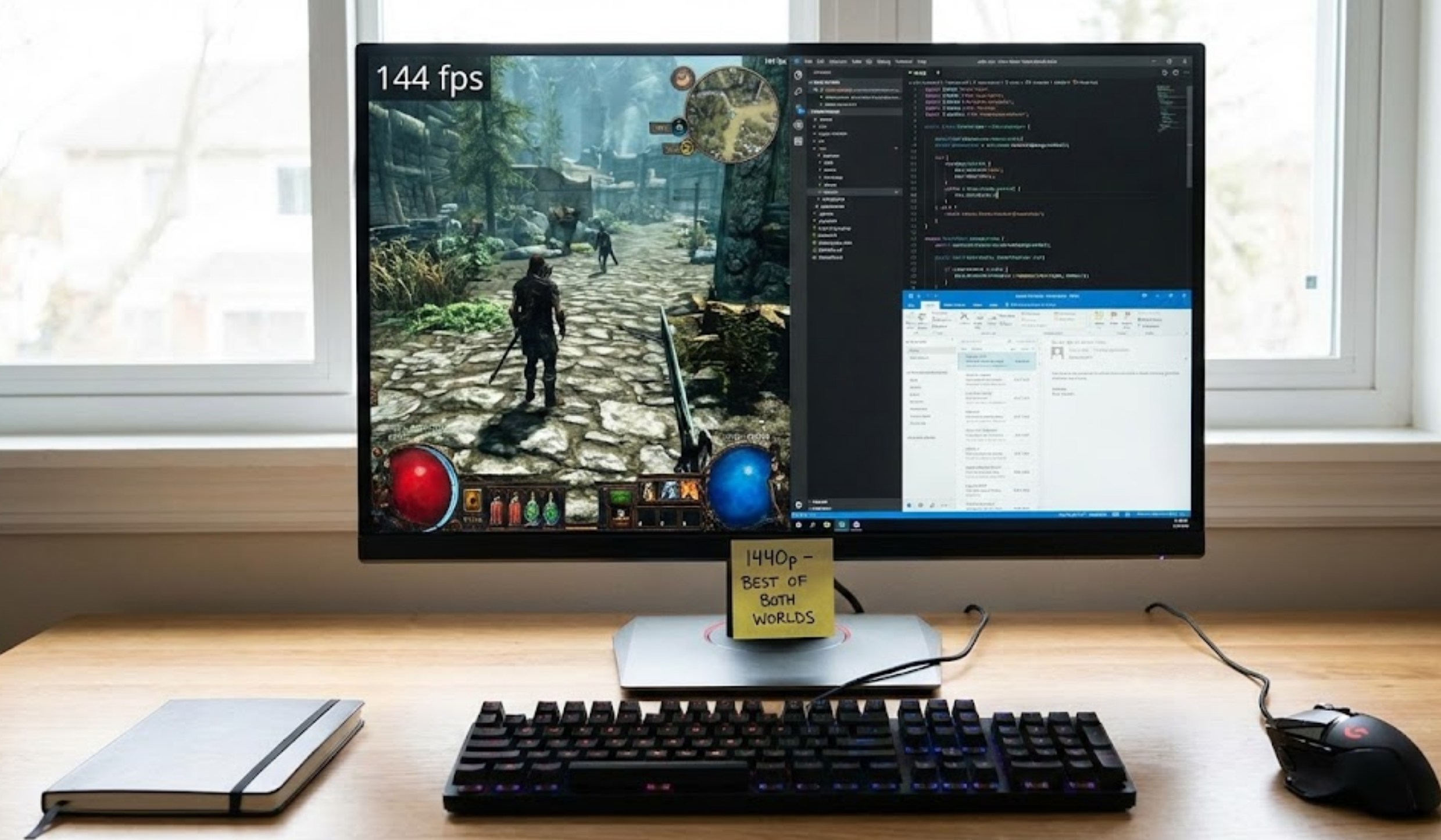
Why 1440p is the Perfect Middle Ground
A 1080p monitor has about 2 million pixels. A 1440p monitor has about 3.6 million. That is a massive jump in “pixel density.” For you, this means images look sharper, text is easier to read, and you can fit much more on your screen at once.
When choosing a monitor that handles both gaming and work, you need to look at three main factors:
-
- Refresh Rate: Measured in Hertz (Hz), this tells you how many times the screen updates per second. For gaming, 144Hz or higher is the standard for smooth movement.
- Panel Type: IPS panels are generally the best because they offer vibrant colors and great viewing angles, which is perfect if you’re sharing your screen with a friend or doing design work.
- Response Time: You want this to be low (usually 1ms) so there isn’t a “blur” or “ghost” effect when things move quickly on screen.
The Top Picks for Every Setup
Choosing the right monitor depends on your budget and what you spend most of your time doing. Here are some of the best options currently available:
1. The Best All-Rounder: LG UltraGear 27GP850-B
This monitor is frequently cited as the king of the 1440p category. It uses a “Nano IPS” panel, which makes colors pop in a way that cheaper monitors simply can’t match.
-
- Refresh Rate: 165Hz (overclockable to 180Hz).
- Why it’s great for productivity: The color accuracy is high enough for photo and video editing.
- Why it’s great for gaming: It is incredibly fast and compatible with both NVIDIA and AMD graphics cards to prevent screen tearing.
2. The Productivity Champion: Gigabyte M27Q
If you find yourself switching between a gaming desktop and a school laptop, this monitor is a lifesaver. It features a built-in KVM switch. This allows you to control two different computers using the same mouse and keyboard just by tapping a button on the monitor.
-
- Refresh Rate: 170Hz.
- Bonus Feature: It has a USB-C port that can charge your devices while sending video to the screen.
- Visuals: It offers great contrast, making it easy to see dark details in movies or spooky games.
3. The Budget King: HP OMEN 27q
You don’t have to spend a fortune to get a great 1440p experience. The HP OMEN series provides a sturdy build and a very clean, professional look that doesn’t scream “gamer” too loudly.
-
- Speed: 165Hz refresh rate.
- Design: It has a height-adjustable stand, which is vital for your posture during long study sessions.
- Value: It often goes on sale, making it one of the most affordable ways to get into high-resolution gaming.
How 1440p Helps You Get More Done
It is easy to focus only on the gaming side of things, but the productivity benefits of 1440p are huge. When you are working on a 1080p screen, opening two windows side-by-side usually feels cramped. You end up scrolling horizontally or squinting at small text.
On a 27-inch 1440p monitor, you can comfortably fit:
-
- A Google Doc on the left half of the screen.
- A YouTube tutorial or research paper on the right half.
- A small Spotify window or Discord chat tucked in a corner.
This extra space reduces the time you spend “Alt-Tabbing” between windows, which helps you stay in the zone while finishing assignments.
Final Thoughts on Making the Switch
Investing in a 1440p monitor is one of those upgrades where you don’t realize what you were missing until you see it. The jump in clarity makes the entire computer experience feel more “premium.” If you have a decent mid-range graphics card (like an RTX 3060 or an RX 6700), your system is likely already prepared to handle this resolution.
When you make your choice, prioritize an IPS panel for the best colors and a refresh rate of at least 144Hz. Once you start gaming and working at 1440p, going back to a lower resolution will feel like looking through a foggy window. Whether you’re climbing the ranks in a competitive game or just trying to organize your digital life, these monitors provide the perfect canvas for everything you do.
