
Imagine sitting down at your desk, cracking open your laptop, and opening a window that feels less like a boring text editor and more like the cockpit of a futuristic spaceship. That is the magic of Visual Studio Code (VS Code). As we move into 2026, coding is no longer just about typing lines of logic; it is about creating an environment where you feel creative, focused, and fast.
Whether you are building your first website, creating a mod for a game, or just experimenting with Python, the right setup can make the difference between a frustrating afternoon and a breakthrough moment. Here is a look at the absolute best themes and extensions to level up your coding game this year.
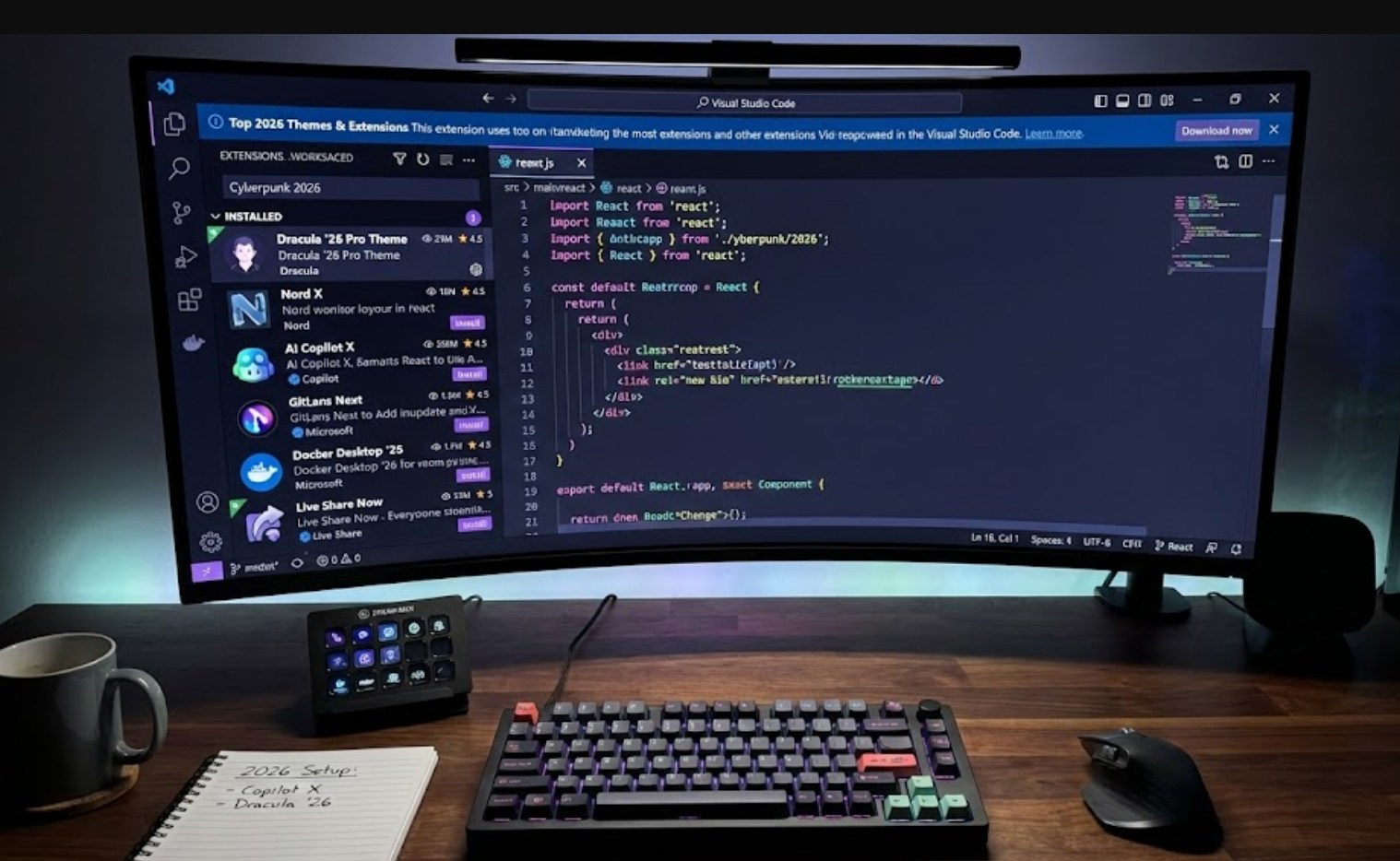
The Aesthetics: Top Themes to Save Your Eyes
Before you write a single line of code, you have to deal with the “vibe.” A good theme isn’t just about looking cool; it’s about “syntax highlighting,” which helps your brain distinguish between a variable, a function, and a mistake.
-
- Catppuccin: This theme has taken the world by storm because it offers a “soothing” palette. It isn’t harsh on the eyes like some high-contrast themes. It comes in four flavors—Latte, Frappé, Macchiato, and Mocha—so you can choose exactly how dark or light you want your screen to be.
- Tokyo Night: If you love the neon-soaked streets of a cyberpunk city, this is for you. It uses deep blues and purples with bright pinks and greens. It’s designed to be readable even during those late-night coding sessions.
- Vesper: For those who want something extremely clean and professional, Vesper offers a minimalist, dark gray look. It removes the clutter and helps you focus entirely on the text.
- Midnight Synth: A newer favorite for 2026, this theme uses retro-wave colors. It makes your code look like it belongs in an 80s sci-fi movie, which, let’s be honest, makes coding way more fun.
Essential Extensions for Speed and Accuracy
Once your editor looks great, you need it to work smart. Extensions are like “apps” for your code editor. They do the heavy lifting so you can focus on the big ideas.
-
- GitHub Copilot (2026 Edition): By now, AI is a standard part of coding. Copilot doesn’t just autocomplete your sentences; it can now help you explain why a piece of code isn’t working. Think of it as a tutor that sits next to you, whispering suggestions that actually make sense.
- Prettier – Code Formatter: Nothing is more annoying than messy code with uneven spacing. Prettier automatically fixes your formatting every time you save your file. It keeps your work looking professional without you having to lift a finger.
- Live Server: If you are doing web development (HTML/CSS), this is a must-have. Instead of refreshing your browser every time you change a color or a font, Live Server updates the page instantly. It’s like seeing your work come to life in real-time.
- Error Lens: Usually, VS Code shows a tiny red squiggle when you make a mistake. Error Lens takes it a step further by printing the error message right next to the line of code. You’ll never have to hunt through a “Problems” tab again to find out you forgot a semicolon.
- Path Intellisense: This is a small but mighty tool. When you are trying to link an image or another file, it autocompletes the file path for you. It sounds simple, but it saves you from hundreds of “broken image” bugs.
Staying Organized and Productive
As your projects get bigger, things can get messy. You might have twenty files open at once, and it’s easy to get lost.
Peacock is an extension that allows you to change the color of your VS Code window border based on the project you are working on. For example, your school project window could be blue, while your personal game project is green. It’s a visual shortcut that keeps your brain from switching tabs frantically.
Another great tool is CodeSnap. If you ever need to ask for help on Discord or show off your work on social media, CodeSnap takes a beautiful, high-resolution screenshot of your code. It makes your snippets look like they were designed by a pro.
Why Your Setup Matters
In 2026, the barrier to entry for making apps and software is lower than ever. The tools are smarter, and the communities are larger. However, the biggest hurdle is often just staying motivated. When your editor looks beautiful and helps you fix mistakes before they become headaches, you are much more likely to stick with it.
Don’t be afraid to experiment. You might spend an entire hour just picking the perfect shade of purple for your theme, and that’s okay. Your coding environment is your digital home. If you feel comfortable there, you’ll spend more time building, learning, and creating things that actually matter.
So, go ahead—install a few of these, customize your icons, and turn your VS Code into a tool that you actually enjoy opening every single day. Happy coding!
