
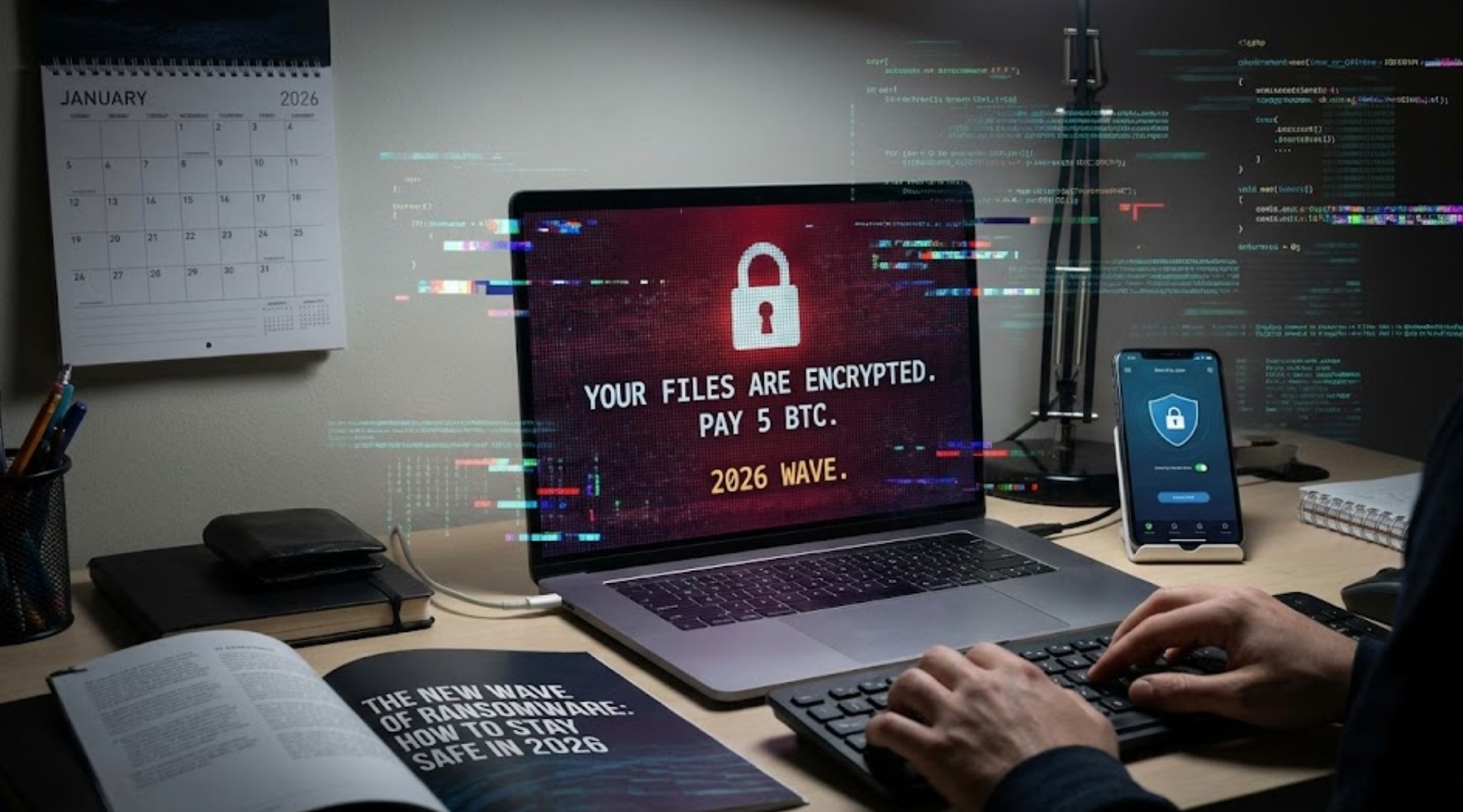
Imagine waking up on a Saturday morning, grabbing your phone to check your messages, and finding a bright red screen instead of your wallpaper. A countdown timer is ticking away, and a message informs you that every photo, every saved game, and every school project you’ve ever worked on has been encrypted. To get them back, you’re told to pay $500 in cryptocurrency.
This isn’t a scene from a sci-fi movie; it is the reality of the “New Wave” of ransomware in 2026. While ransomware has been around for years, the tools hackers use have become faster, smarter, and more personal. Staying safe in this digital age requires more than just a strong password; it requires a new way of thinking about your digital life.
Why 2026 is Different
In the past, hackers mostly targeted giant corporations or hospitals. Today, thanks to the rise of Artificial Intelligence (AI), cybercriminals can automate their attacks to target thousands of individuals at once with almost no effort. We are seeing the rise of “Ransomware-as-a-Service,” where even someone with very little coding knowledge can “rent” a virus and start attacking people.
The biggest shift in 2026 is the use of Deepfake Phishing. Instead of receiving a sketchy-looking email with bad grammar, you might get a voice note that sounds exactly like a friend or a video call from someone who looks like your coach, asking you to click a link or download a file. Once you click, the ransomware installs itself in seconds, locking your device and spreading to everyone on your contact list.
Red Flags to Watch For
Hackers rely on a concept called “social engineering.” This is a fancy way of saying they try to trick you by messing with your emotions—usually by making you feel scared or rushed. To stay safe, you need to recognize these common traps:
-
- Artificial Urgency: If a message tells you that you must act “within 10 minutes” or your account will be deleted forever, it is almost certainly a scam.
- Too Much Personal Info: AI can now scrub your social media to find out your dog’s name or where you went last weekend. If a stranger mentions these details to “prove” they know you, stay suspicious.
- The “Unusual Link” Request: Even if it comes from a friend, be wary of links that look like random strings of letters or take you to a login page that looks almost right but has a slightly misspelled URL (like “G00gle.com” instead of “Google.com”).
Building Your Digital Fortress
You don’t need to be a computer genius to protect yourself. By following a few high-impact habits, you can make your devices much harder to hack.
-
- Embrace “Zero Trust”: This means you don’t automatically trust a file or a link just because of where it came from. If a friend sends a weird link, text them on a different app to ask if they actually sent it.
- The 3-2-1 Backup Rule: Always keep three copies of your important files. Store them on two different types of media (like your phone and a cloud service) and keep one copy offline (like a physical USB drive that isn’t plugged in). Ransomware cannot lock a drive that isn’t connected to the internet.
- Biometrics and MFA: Use your fingerprint or face ID whenever possible. More importantly, turn on Multi-Factor Authentication (MFA). Even if a hacker steals your password, they can’t get into your account without that secondary code sent to your phone.
- Update Immediately: Those annoying notifications asking you to restart your computer to install a security update are your best friends. These updates often “patch” the very holes that ransomware uses to get inside.
What to Do if You Get Hit
If the worst happens and you see a ransom note on your screen, don’t panic. Fear is exactly what the hackers want you to feel because it leads to bad decisions.
-
- Disconnect Everything: Immediately turn off your Wi-Fi and Bluetooth. This prevents the ransomware from talking to the hacker’s server and stops it from spreading to other devices in your house, like your parents’ laptops or the family printer.
- Never Pay the Ransom: It sounds counterintuitive, but paying the ransom rarely works. There is no guarantee they will give you the key to unlock your files, and it marks you as a “easy target” for future attacks. Plus, that money goes toward funding more digital crime.
- Take a Photo: Use a different device to take a picture of the ransom note. This can be used as evidence when reporting the crime.
- Wipe and Restore: This is where your backups come in. A professional can help you “wipe” your device (erasing everything, including the virus) and then you can reload your files from your offline backup.
The Bottom Line
The digital world of 2026 is more connected than ever, which is awesome for gaming, learning, and staying in touch. However, it also means we have to be more “street smart” online. Ransomware is evolving, but it still relies on people making mistakes. By staying calm, keeping your software updated, and being skeptical of “emergency” messages, you can navigate the web without becoming a statistic. Your data is your property—don’t give anyone the keys to it.
