
We have all been there: you are sitting in a classroom or watching a fascinating documentary, and you come across a piece of information that feels vital. You think, “I should remember this,” but three days later, it has evaporated from your mind. Our brains are incredible at processing information and making creative leaps, but they are surprisingly unreliable when it comes to long-term storage of every detail we encounter.
This is where the concept of a “Personal Knowledge Base” (PKB) comes in. Think of it as a “Second Brain”—a digital space where you store your ideas, class notes, and interests so your actual brain can focus on thinking rather than just memorizing. While there are many apps out there, a tool called Obsidian has become a favorite for anyone who wants to build a truly powerful, long-lasting library of their own thoughts.
What Exactly is Obsidian?
At its simplest, Obsidian is a note-taking app. However, unlike the basic notes app on your phone, it doesn’t just store text in isolated files. It allows you to link notes together, creating a web of information that mimics the way your mind actually works.
Obsidians uses a format called Markdown. This sounds technical, but it’s actually very simple. Markdown allows you to format your text—making things bold, creating headers, or adding checklists—using simple symbols like asterisks or hashtags. Because the files are saved as plain text on your computer, you own them completely. They aren’t trapped on a company’s server; they are just files on your hard drive that you can open with almost any program.
Getting Started: The “Vault”
When you first open Obsidian, you create what is called a “Vault.” This is simply a folder on your computer where all your notes will live. You can name it whatever you like—”My Brain,” “Knowledge Hub,” or just “Notes.”
Once your vault is set up, you can start writing. But the real magic begins when you start connecting your notes. In most apps, if you want to find a note about “The Great Gatsby,” you have to remember which folder you put it in. In Obsidian, you use “Backlinks.” By typing two square brackets like this: [[The Great Gatsby]], you create a link to a new or existing note.
Why Linking is a Game Changer
Traditional filing systems use folders. The problem with folders is that a piece of information often belongs in two places at once. Should a note about “Climate Change” go in your Biology folder or your Geography folder? In Obsidian, you don’t have to choose. You can simply link to both.
Here are a few ways linking changes the way you learn:
-
- Context: When you look at a note, you can see every other note that links to it. You might see a link from your History notes and realize that the event you’re studying happened at the same time as a scientific discovery you read about last week.
- Discovery: As your vault grows, you start to see patterns. You might notice that a concept in your Art class actually relates to something you learned in Geometry.
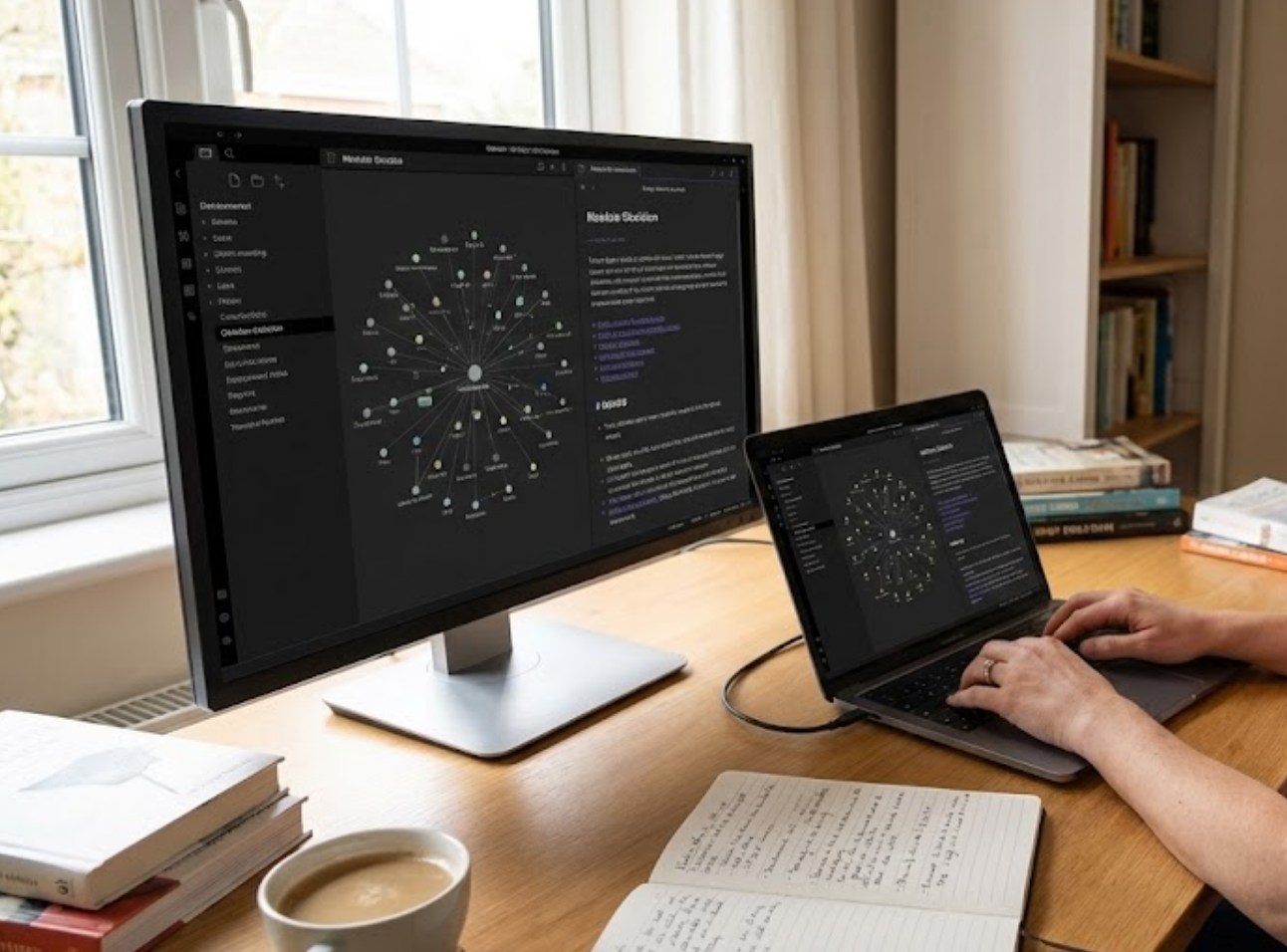
- The Graph View: Obsidian features a visual “Graph View” that shows all your notes as dots connected by lines. Watching this “galaxy” of your own knowledge grow over months and years is incredibly satisfying.
Making It Your Own
One of the reasons people love Obsidian is how customizable it is. It doesn’t force you to work in one specific way. If you like a clean, minimal look, you can keep it that way. If you like a lot of data and organization, you can add that too.
-
- Themes: You can change the entire look of the app with a few clicks. Whether you want a “Cyberpunk” look or a classic “Old Book” aesthetic, there are hundreds of community-made themes.
- Plugins: These are like mini-apps you can install inside Obsidian. There are plugins for calendars, for drawing diagrams, and even for creating flashcards out of your notes to help you study.
- Canvas: Obsidian includes a feature called Canvas, which is an infinite whiteboard. You can drag your notes onto this board, connect them with arrows, and visualize complex ideas.
Building the Habit
Building a Personal Knowledge Base isn’t something you do in a single afternoon. It is a slow, rewarding process of collecting “bricks” of information. You don’t need to write long essays; you just need to capture small thoughts as they come.
If you find a cool quote in a book, make a note of it. If you find a solution to a math problem that was bugging you, write it down. Over time, these small entries turn into a massive resource that is uniquely yours. Unlike a physical notebook that eventually runs out of pages or gets lost in a closet, your digital vault grows with you. By the time you move on to university or your first job, you will have a custom-built encyclopedia of everything you have ever learned, ready to be searched and expanded at any moment.
