
Think about how many times this week you have been locked out of an account. Maybe you forgot if your Instagram password had an exclamation point at the end, or perhaps you’re tired of waiting for a six-digit code to arrive in your email every time you log into a new game. For decades, passwords have been the “guardians” of our digital lives, but by 2026, they have officially become a liability.
The tech world is moving toward a future that is “passwordless,” and the primary tool leading this charge is the passkey. If you haven’t made the switch yet, 2026 is the perfect time to ditch the strings of random letters and embrace a more secure, faster way to live online.
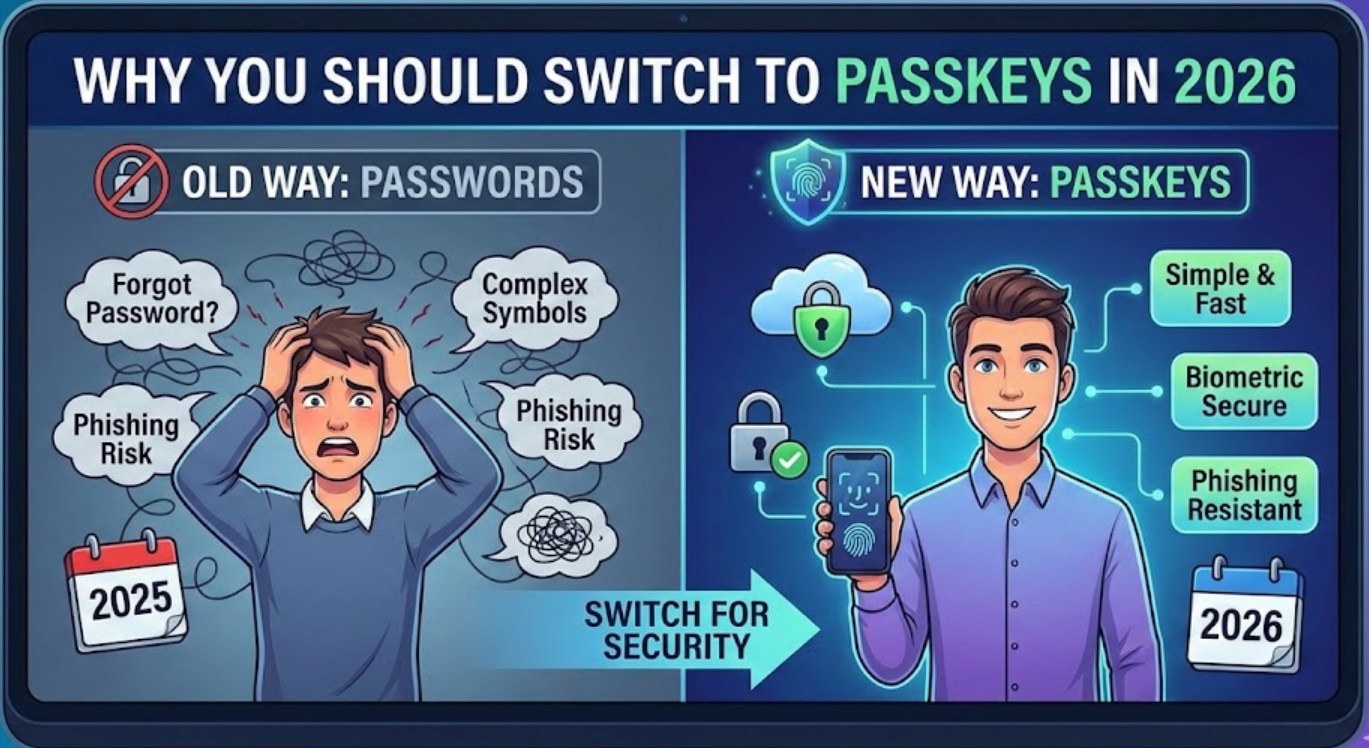
What Exactly is a Passkey?
To understand why you should switch, you first need to know what a passkey actually is. Unlike a password, which is a secret phrase you memorize and type into a website, a passkey is a digital credential tied to your specific device—like your phone, tablet, or laptop.
When you use a passkey, you aren’t “typing” anything. Instead, you use the same biometric features you already use to unlock your phone, such as:
- FaceID or facial recognition
- Fingerprint scanners (TouchID)
- A local device PIN
Behind the scenes, your device uses complex cryptography to prove to the website that you are who you say you are. The website never actually sees your “key”; it only sees a confirmation that the “lock” was opened by the right person.
Why Passwords are Failing Us
Passwords were invented in the 1960s. In the early days of the internet, they worked fine. But today, hackers have developed incredibly sophisticated tools to break them. Here is why the old way of doing things is becoming dangerous:
- Phishing Attacks: Hackers create fake login pages that look exactly like TikTok or Discord. If you type your password into one of these fake sites, the hacker now owns your account. Passkeys are immune to this because they only work on the real website or app they were created for.
- Credential Stuffing: Most people reuse the same password for multiple sites. If a small, insecure website gets hacked, your email and password go onto a list. Hackers then use bots to “stuff” that password into every other major site to see where else it works.
- Data Breaches: When a company’s database is leaked, millions of passwords are stolen. With passkeys, companies don’t store your actual secret, so there is nothing for a hacker to steal that would give them access to your account.
The Benefits of Switching in 2026
By 2026, almost every major platform—from gaming ecosystems like Steam and Epic Games to social media giants and banking apps—has fully integrated passkey support. The transition isn’t just about being “high-tech”; it’s about making your daily life significantly easier.
No More “Forgot Password” Loops
We’ve all been there: you try to log in, fail three times, click “forgot password,” go to your email, click a link, create a new password, and then realize you can’t use the last five passwords you’ve used. Passkeys eliminate this entire cycle. Since your “key” is your face or fingerprint, you can’t “forget” it.
Faster Logins
Logging in with a passkey is usually about 75% faster than typing a password and waiting for a two-factor authentication (2FA) text message. In a world where we are constantly switching between apps, those saved seconds add up to a much smoother experience.
Enhanced Security Without the Effort
Usually, more security means more work (like carrying a physical security key or using a complex authenticator app). Passkeys are the rare tech upgrade that actually makes things easier while making them safer. It’s like replacing a rusty old padlock with a high-end smart lock that recognizes you as you walk up to the door.
How to Get Started
If you’re ready to make the jump, the process is simpler than you might think. Most devices you already own are already equipped to handle this.
- Check your settings: Go to the “Security” or “Account” section of an app you use frequently (like Google or Apple ID).
- Look for “Passkeys”: Look for an option that says “Create a Passkey” or “Use Passkeys.”
- Verify your identity: Your phone will ask for your FaceID or fingerprint to confirm.
- Sync across devices: If you use an iPhone and a Mac, or an Android phone and a Chrome browser, your passkeys will often sync through the cloud, so you can log in on any of your devices instantly.
The Bottom Line
The digital landscape of 2026 is faster and more connected than ever, but it’s also more targeted by cybercriminals. Relying on a password you thought of in middle school is no longer enough to protect your private photos, your gaming progress, or your personal information.
Switching to passkeys isn’t just a trend for tech experts; it’s a practical move for anyone who wants to spend less time worrying about their security and more time actually enjoying the internet. It’s time to let the password retire and move into a future where your thumbprint is the only key you’ll ever need.
