
The landscape of digital creativity has shifted dramatically as we move through 2026. For years, the Adobe Creative Cloud was the only name in the game if you wanted to be taken seriously as a designer, editor, or artist. But let’s be honest: a monthly subscription fee can feel like a heavy weight when you are trying to learn a new skill or finish a passion project.
The good news is that the “open-source” and “freemium” worlds have caught up. In 2026, you no longer need a corporate-sized budget to produce professional-quality work. Whether you are retouching photos, editing a short film, or designing a brand identity, there is a free tool waiting for you.
Mastering the Canvas: Alternatives to Photoshop and Illustrator
Photoshop is the giant of the industry, but it isn’t the only way to manipulate pixels. If you are looking for a way to edit photos or create digital paintings without the monthly bill, you have some incredible options.
-
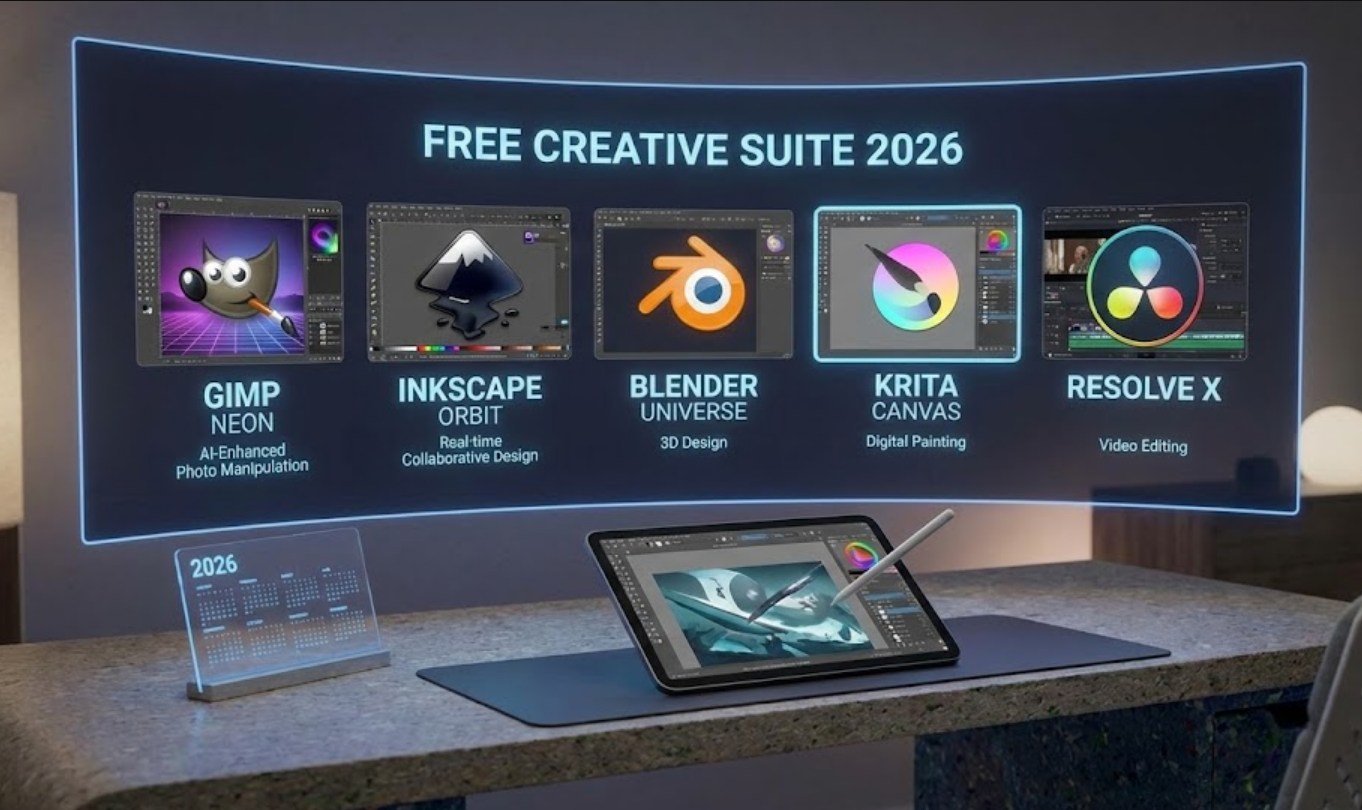
- Krita: Originally designed for digital painters, Krita has evolved into a powerhouse. It handles complex layers, masks, and brushes better than almost any other free software. It’s perfect for anyone into concept art or illustration.
-
- GIMP: The “GNU Image Manipulation Program” has been around forever, but its 2026 updates have finally smoothed out the clunky interface. It’s the closest thing you’ll find to a full Photoshop clone that costs zero dollars.
-
- Photopea: This is a hidden gem because it runs entirely in your web browser. If you’re using a computer that doesn’t allow you to install heavy software, Photopea lets you open .PSD files and edit them just like you would in Adobe.
When it comes to logos and icons, you need vector software like Illustrator. Inkscape remains the champion here. Unlike regular photos, vector graphics don’t get blurry when you resize them. Inkscape allows you to create clean, professional lines and shapes that can be scaled from a tiny sticker to a massive billboard.
The New Age of Video Editing
In 2026, video content is everywhere. While Premiere Pro is a standard, it can be prone to crashing and demands a lot of your computer’s hardware. Fortunately, the free alternatives are now so good that even some Hollywood studios use them.
-
- DaVinci Resolve: This is arguably the best free software on the planet. The free version is so robust that most people never need to upgrade to the paid one. It offers professional color grading, visual effects, and high-end audio editing.
- CapCut (Desktop): Don’t let its reputation as a “phone app” fool you. The desktop version has become a go-to for quick, snappy edits with built-in AI captions and trendy effects that would take hours to build manually in Adobe.
- Shotcut: If you have an older laptop that struggles with heavy programs, Shotcut is a lightweight, reliable editor that supports almost every video format imaginable.
Layout and Design: Beyond InDesign
If you are working on a school magazine, a zine, or a digital portfolio, you might think you need InDesign. However, Scribus has become much more user-friendly over the last couple of years. It’s a dedicated desktop publishing tool that helps you manage layouts, typography, and “print-ready” files.
For those focused more on modern web design or UI/UX (user interface/user experience), Adobe XD has largely been overshadowed. Penpot has emerged as the hero for 2026. It is a web-based, open-source platform that allows you to design app interfaces and websites for free, and because it’s browser-based, you can collaborate with friends in real-time.
Why Go Free?
Choosing free software isn’t just about saving money. When you learn these tools, you are joining a community. Most free software is “Open Source,” meaning a global community of developers is constantly working to make it better. You aren’t just a customer; you’re part of a movement that believes creativity should be accessible to everyone, regardless of their bank account balance.
Furthermore, learning these alternatives makes you more versatile. If you can master GIMP or DaVinci Resolve, transitioning to Adobe later is easy. However, starting with the free tools teaches you the “why” behind the “how,” as you often have to understand the mechanics of the software a bit more deeply.
Final Thoughts on Building Your Suite
You don’t have to pick just one. In 2026, the best workflow is often a “mix-and-match” approach. You might edit a photo in Krita, design a logo in Inkscape, and then bring them both into DaVinci Resolve to create a motion graphic.
The barrier to entry for digital art has vanished. The tools are ready; the only thing left is for you to start creating. Don’t let a subscription price tag stop you from expressing your ideas. Explore these programs, watch a few tutorials, and you’ll find that your talent matters much more than the logo on the software you use.
