
The Evolution: How We Got Here
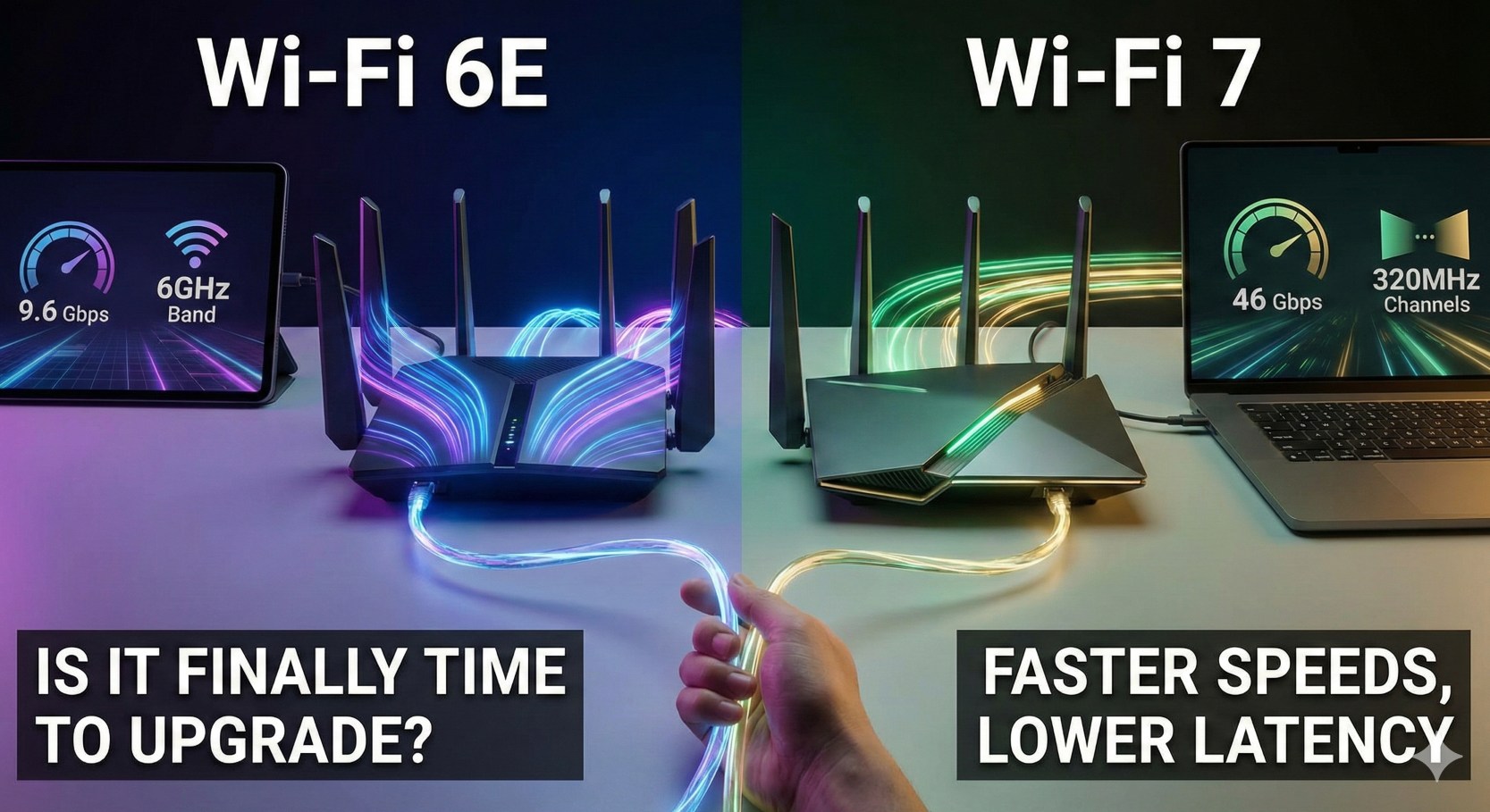
To understand Wi-Fi 7, we first need to look at its predecessor. Wi-Fi 6E was a milestone because it introduced the 6GHz band. This was like opening a brand-new, empty multi-lane highway next to the congested 2.4GHz and 5GHz roads we’ve used for decades.
Wi-Fi 7 takes that 6GHz highway and widens the lanes, increases the speed limits, and allows your car to drive on multiple lanes at the exact same time.
Key Technical Differences
| Feature | Wi-Fi 6E | Wi-Fi 7 |
|---|---|---|
| Max Speed (Theoretical) | 9.6 Gbps | 46 Gbps |
| Channel Width | 160 MHz | 320 MHz |
| Modulation (QAM) | 1024-QAM | 4096-QAM |
| Multi-Link Operation | No | Yes (MLO) |
| Latency | Low | Ultra-Low (Real-time) |
Why Wi-Fi 7 is a Game Changer
1. Multi-Link Operation (MLO)
In previous Wi-Fi generations, your device could only connect to one band at a time (either 5GHz or 6GHz). Wi-Fi 7’s MLO allows a device to send and receive data across different bands and channels simultaneously. This significantly increases throughput and reduces latency, as the device doesn’t have to wait for a specific band to clear up.
2. 320 MHz Channels
Wi-Fi 7 doubles the maximum channel width from 160 MHz to 320 MHz. Think of this as doubling the width of the pipe. For users with multi-gigabit internet connections, this is the first time wireless technology won’t act as a bottleneck for your ISP speeds.
3. 4K QAM
Quadrature Amplitude Modulation (QAM) is a method to pack data into radio signals. Wi-Fi 6E used 1024-QAM, while Wi-Fi 7 uses 4096-QAM. This allows each signal to carry more “bits,” resulting in a 20% increase in peak data rates even without wider channels.
The “Upgrade” Checklist: Should You Buy Now?
Reasons to Wait:
-
- Device Support: To use Wi-Fi 7, you need a Wi-Fi 7 router AND Wi-Fi 7 devices (like the latest flagship phones or high-end laptops). Most devices in your home currently only support Wi-Fi 6 or 5.
-
- Cost: Wi-Fi 7 routers are currently in the “early adopter” price bracket, often costing between $500 and $1,500 for mesh systems.
-
- Internet Speed: If your home internet is 1Gbps or slower, you won’t see much real-world benefit from Wi-Fi 7’s raw speed capabilities.
Reasons to Buy Now:
-
- Future-Proofing: If you are building a new home or your current router is 5+ years old and failing, jumping straight to Wi-Fi 7 ensures you won’t need to upgrade again for a decade.
-
- Heavy Internal Traffic: If you transfer large files between computers locally (like to a NAS) or use wireless VR (Meta Quest 3), the latency improvements are worth it.
-
- High-Density Areas: If you live in a crowded apartment complex, Wi-Fi 7’s better management of interference will provide a much more stable connection.
The Final Verdict
For 90% of users, Wi-Fi 6E is still more than enough. However, if you are a tech enthusiast, a professional gamer, or someone who demands the absolute best and has the hardware to support it, Wi-Fi 7 is the most significant upgrade we’ve seen in over a decade.
Our Recommendation: Unless your current router is broken, wait another 6-12 months. By then, prices will drop, and more devices (like the next generation of iPhones and MacBooks) will actually be able to use the new speeds.
